



With the introduction of iOS 27, Apple has significantly enhanced the Mail app, incorporating a variety of new features designed to improve user experience. This article provides an overview of the key updates in the Apple Mail app.
Enhanced Search Functionality
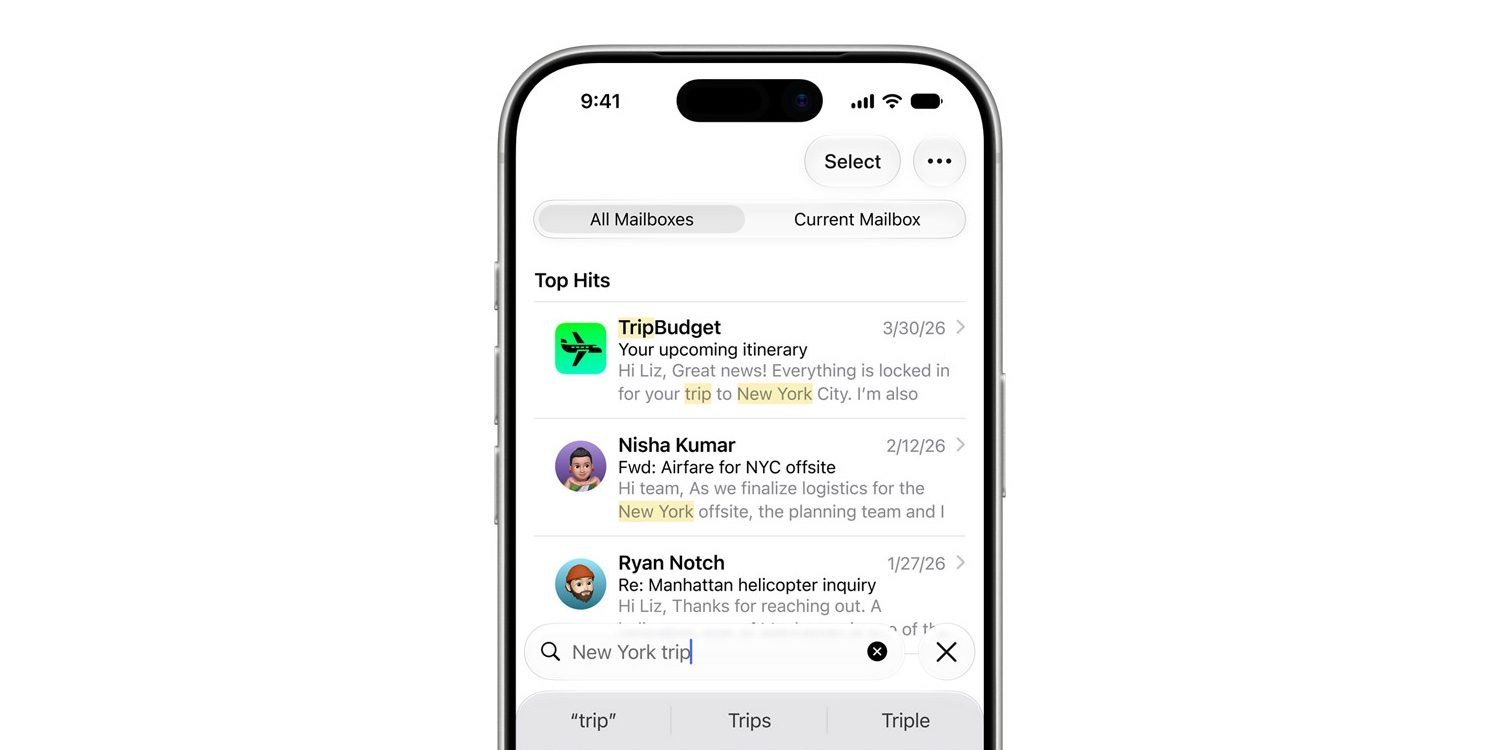
The search feature in Apple Mail, often criticized in previous versions, has received a major overhaul in iOS 27. Users can expect more accurate and relevant search results due to a new ranking system that places the most pertinent emails at the top.
“More relevant search in Mail. A new ranking system brings the most relevant results to the top to help you find what you need right away — even if it’s buried deep in your inbox.”
Expanded Suggestions Including Third-Party Apps

In a significant update, suggestions at the top of emails are now more versatile and can include actions from third-party applications. This enhancement allows users to take actions such as getting directions through Maps or tracking shipments via Apple Wallet directly from their email interface.
Improvements to Smart Reply

The Smart Reply feature has also seen enhancements in iOS 27. This advanced functionality now adapts to user writing styles, offering personalized response suggestions that reflect the user’s unique voice.
Integration of Siri AI Features
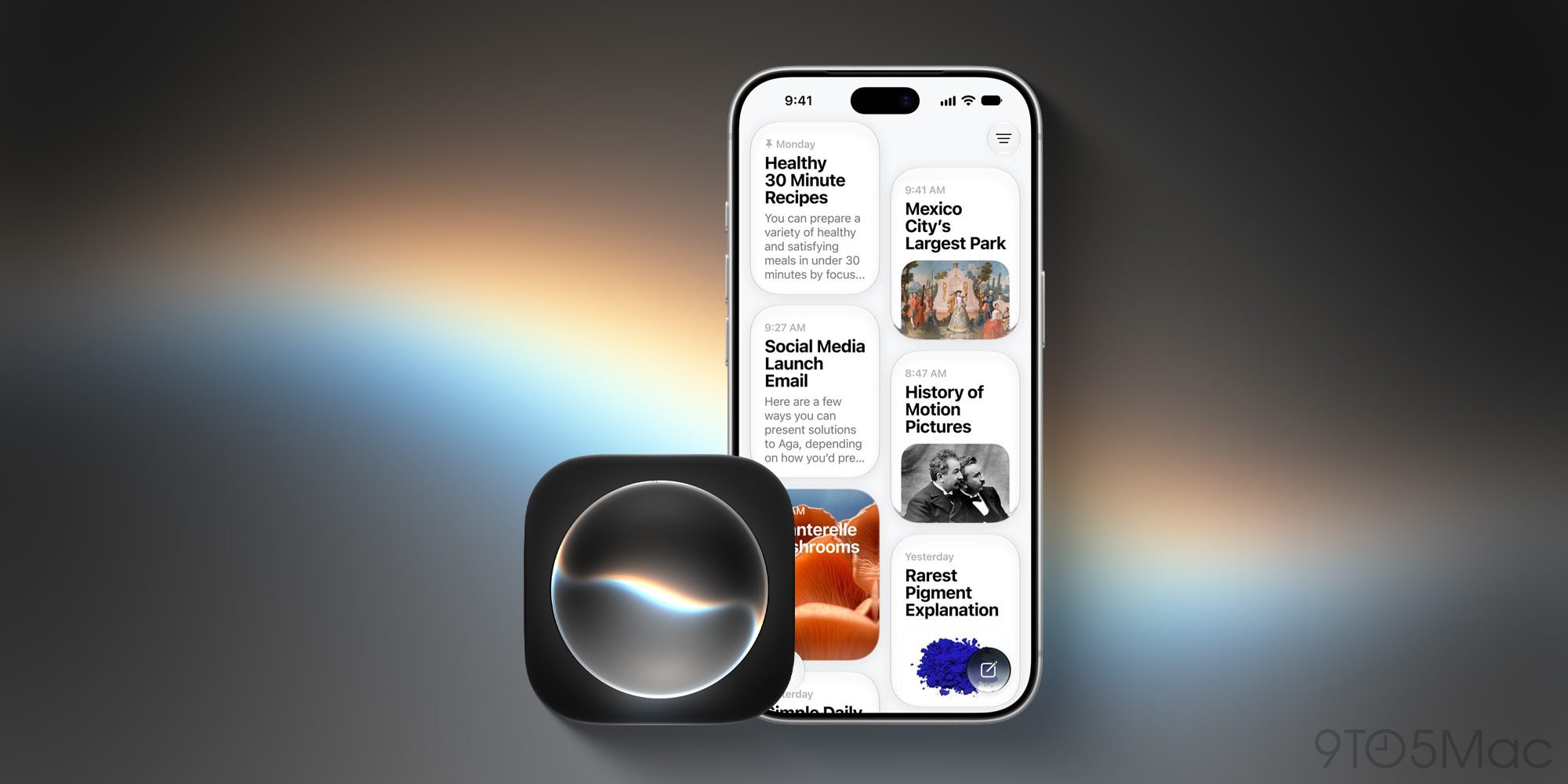
With Siri now more integrated into Apple Mail, users can take advantage of new AI capabilities. For instance, you can instruct Siri to delete all messages from a specific sender, streamlining email management and enhancing productivity.
Performance Enhancements and Bug Fixes
Besides the introduction of new features, iOS 27 aims to deliver a smoother Mail experience through various bug fixes and performance improvements. Highlights include:
- Accelerated message loading times.
- More reliable indexing for searches.
- Improved formatting for lists and emails.
- Enhanced accuracy of unread message badges.
What features of the revamped Apple Mail app in iOS 27 do you find most appealing? Share your thoughts in the comments below.
