


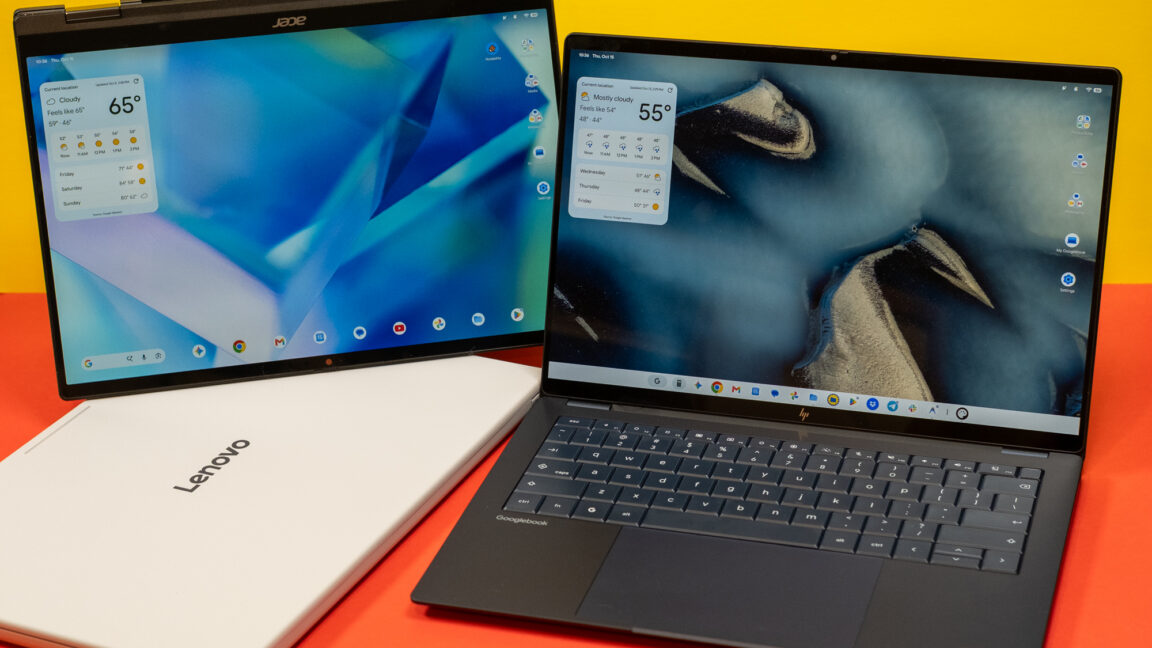
Setting Up Your Googlebook: A Comprehensive Guide
Introduction
Setting up a Googlebook is a straightforward process for Android users, similar to configuring a new smartphone. By scanning a QR code from your current device, you can seamlessly transfer your accounts, data, and applications. This enables you to be operational within minutes, particularly if your phone is equipped with Android 17.
Integration with Android 17
With the integration of Google’s “Better Together” services, your Googlebook can interact with your Android 17 smartphone in various beneficial ways:
- Accessing files from your Android device
- Synchronizing notifications
- Continuing tasks across apps
- Mirroring applications from your phone
While these features promise an enhanced user experience, several limitations and bugs can hinder seamless operation.
Network Connectivity Challenges
To maintain connectivity, both devices must be connected to the same Wi-Fi network. Switching networks can disrupt the connection, which can prove frustrating for users relying on consistent performance. Furthermore, the “Continue On” feature, which allows users to pick up where they left off in a mobile app, is inconsistent in its functionality. Additionally, while app mirroring can be useful, performance often varies significantly, and certain applications with system-level security may fail to work altogether.
File Access and Transfer Limitations
Accessing files stored on your smartphone through your Googlebook can be advantageous, yet many users report slow transfer speeds. Notably, the connectivity is unidirectional: while you can view your phone’s files via the Googlebook’s Files app, the reverse is not possible, limiting your ability to manage files across devices.
This limitation highlights the broader challenges within Google’s desktop software ecosystem. For instance, the Files app on the Googlebook lacks essential features such as tabbed browsing and support for network shares, creating a restrictive experience compared to other file management systems like Finder or Windows Explorer.
Conclusion
Overall, while setting up and utilizing a Googlebook in conjunction with an Android 17 device can offer significant advantages, users should be aware of the limitations surrounding connectivity and functionality. As Google continues to improve its desktop offerings, future updates may enhance the user experience, but current shortcomings may deter some users from fully leveraging these integrated services.
