


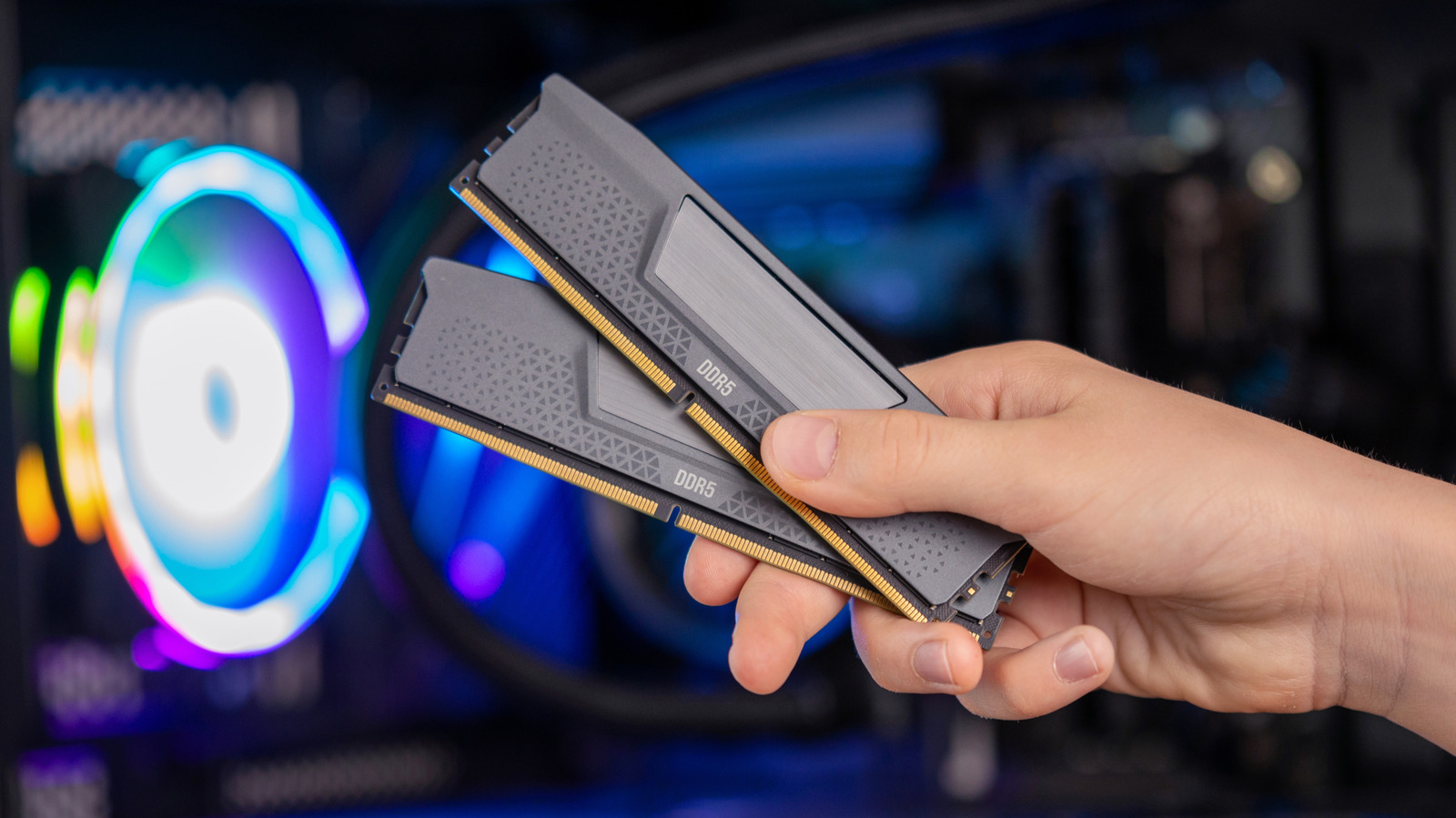
Understanding the Lifespan of RAM in PCs
We may receive a commission on purchases made from links.
RAM: An Overview
Random Access Memory (RAM) is a crucial component in personal computers, located on memory modules known as DIMMs (Dual Inline Memory Modules). These modules fit into designated slots on the motherboard, usually numbering two or four based on the motherboard design. Unlike other components, RAM lacks moving parts, which generally reduces the likelihood of physical failure. Additionally, since RAM typically does not generate excessive heat, it is less prone to overheating issues compared to components like CPUs or GPUs.
Lifespan of RAM: Factors to Consider
Determining the exact lifespan of RAM can be challenging, as multiple factors influence its longevity. It is important to note that while RAM can last for many years under optimal conditions, various circumstances can shorten its lifespan:
- Usage Patterns: Heavy memory demands can strain RAM, especially if the modules are inferior or inadequately manufactured.
- Cooling: While most RAM does not require dedicated cooling, systems with poor airflow may jeopardize component integrity.
- Quality of Manufacturing: RAM from reputable manufacturers typically features higher-quality components and better production standards, often accompanied by longer warranties.
Regular stress on RAM through intense workloads can result in premature aging, particularly in systems equipped with lower-grade RAM modules. However, with proper care and mindful usage, RAM can remain functional for decades.
The Role of Technology Advances
While the physical durability of RAM is notable, technological advancements render certain types of RAM obsolete faster than they fail. For instance, DDR4 RAM is currently prevalent, but with DDR6 expected to debut in 2027, existing RAM may soon lack compatibility with new systems and software. Therefore, while the physical RAM may continue operating, its relevance in the evolving tech landscape diminishes, compelling users to upgrade particularly when planning to enhance other components of their PCs.
Monitoring RAM Condition
Monitoring the performance of your RAM can provide insights into its condition and potential lifespan. Here are some signs to watch for that may indicate RAM failure:
- Frequent system crashes or blue screens of death (BSOD).
- Slow performance during multi-tasking or high-memory applications.
- Corrupted files or data inconsistencies during operations.
If these issues arise, it might be time to test the RAM using diagnostic tools or consider replacing the modules with better quality options.
Conclusion
In summary, while RAM has the potential to last anywhere from 10 to 20 years, its actual lifespan heavily depends on operational conditions, the quality of the RAM, and the technological context within which it operates. For consumers investing in RAM, focusing on reputable brand names and being aware of how memory-intensive tasks can affect longevity is imperative for maximizing the life of this essential PC component.
This newly structured article emphasizes clarity and a professional tone while retaining all the critical information about RAM lifespan and factors influencing it. The sections are organized for better readability, enhance the informative nature of the content, and comply with all specified formatting requirements.
