


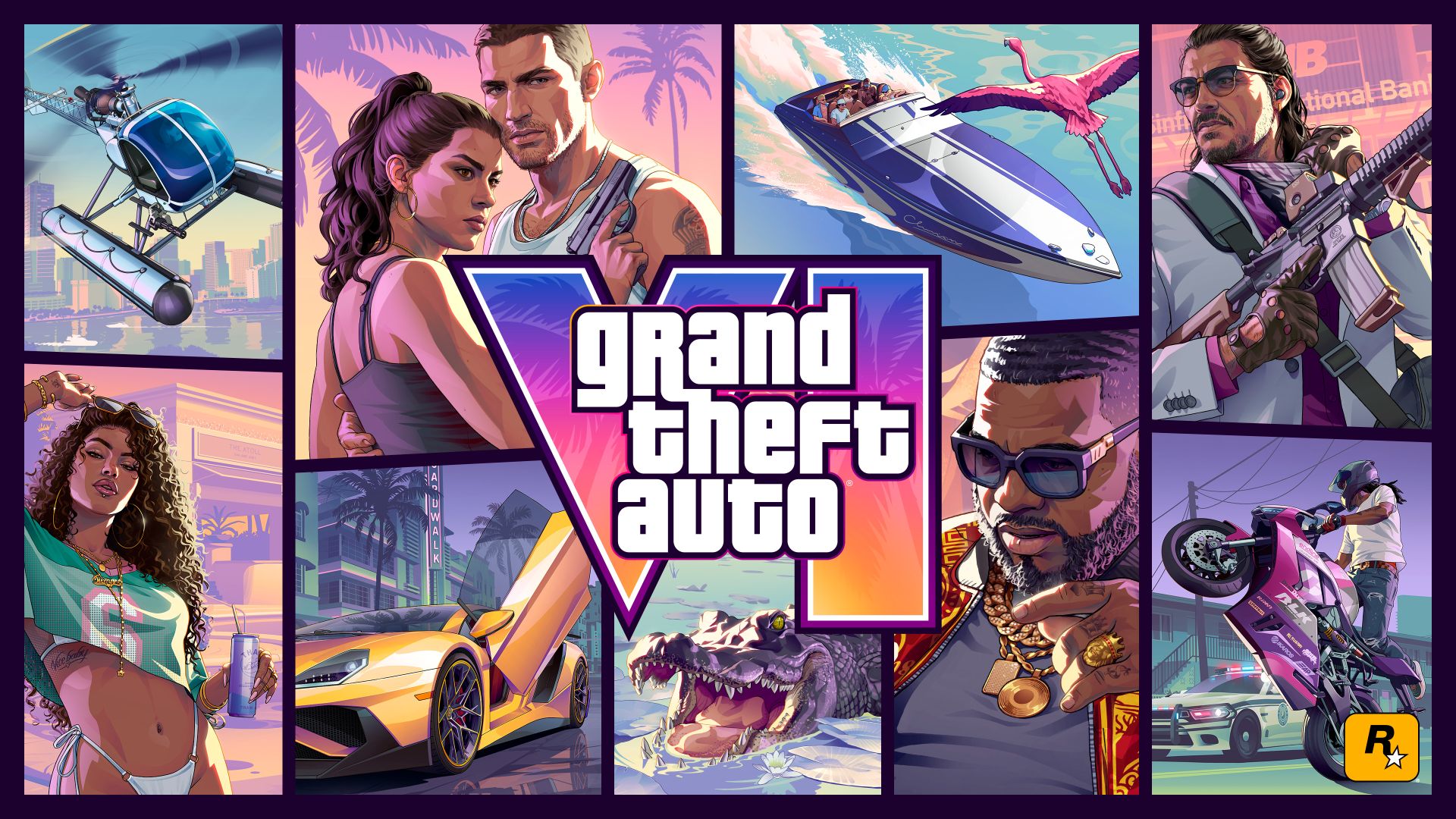
How to Play Grand Theft Auto VI Through Xbox Cloud Gaming and Remote Play
Grand Theft Auto VI leverages Xbox Cloud Gaming, allowing players to access this highly anticipated title without needing a current-gen console. This innovative service enables gamers to stream the game directly to their Xbox One or Xbox Series X|S, making it a versatile option for those looking to conserve storage space on their devices.
Game Pass Benefits
Select Xbox Game Pass plans provide up to 15 hours of gameplay monthly, with options to purchase additional cloud playtime, broadening access to one of the biggest releases of the year. When streamed through Xbox Cloud Gaming, the game operates with graphics settings optimized for the Xbox Series S.
Remote Play Functionality
Remote Play enhances the gaming experience by allowing players to stream Grand Theft Auto VI from their Xbox Series X|S to various devices, including mobile phones, laptops, and handheld consoles like the Xbox ROG Ally. This provides flexibility in how and where players can enjoy the game.
Getting Started with Cloud Gaming
To initiate your cloud gaming session for Grand Theft Auto VI, follow these steps:
- Press the Xbox button on your Xbox Wireless Controller to open the guide.
- Navigate to Grand Theft Auto VI in your game library.
- Select the “Manage” option, then click on “See in Microsoft Store.”
- Choose “Play With Cloud” from the Store listing.
For optimal gaming quality, a wired Ethernet connection is recommended, as wireless networks may occasionally experience fluctuations in audio and video quality.
Enabling Remote Play
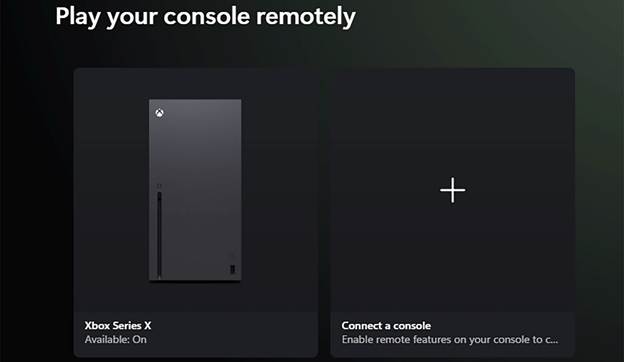
Setting up Remote Play allows you to enjoy the game across your existing devices. Here’s how to set it up:
- On your Xbox Series X|S, navigate to Settings > Devices & connections > Remote features, and select the option to “Enable remote features.”
- Optionally, you can test the remote play quality by selecting “Test remote play.”
Using Remote Play on Your Devices
Once remote features are enabled, you can use Remote Play on your devices:
- For mobile devices: Visit play.xbox.com/remoteplay, select your console, and then click “Remote Play on This Device.”
- For PCs or Xbox ROG Ally: Open the Xbox app, click your profile icon in the top-right corner, go to “Accessories & remote play,” and select “Remote Play” for your console.
Conclusion
XBOX Cloud Gaming and Remote Play present dynamic ways to enjoy Grand Theft Auto VI, providing players with flexible options to play on the devices they already own. For more details, visit the Xbox Store to learn how to access this exciting title.
