


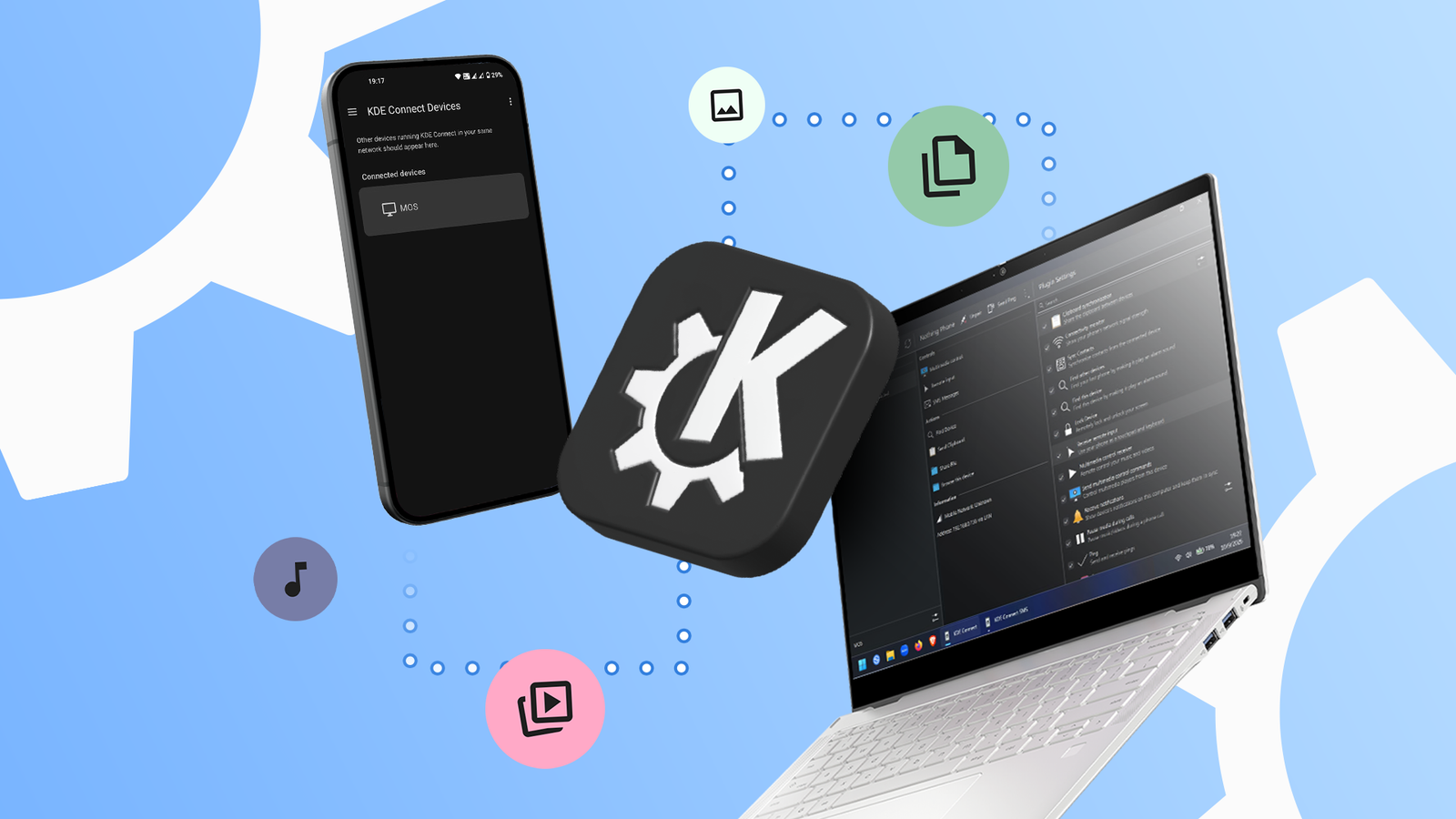
KDE Connect: A Comprehensive Solution for Android and Windows Connectivity
In the quest for seamless integration between devices, many users find traditional setups insufficient. While tools like Google Phone Link and Quick Share facilitate communication between Windows and Android devices, new alternatives like KDE Connect are gaining traction for their openness and functionality.
Transitioning to Open Source: A New Approach
The appeal of open-source applications lies in their transparency and flexibility. KDE Connect stands out as a remarkable tool that allows for enhanced interoperability without the need for multiple online accounts. Unlike some mainstream apps, it connects multiple devices effortlessly, relying only on a shared Wi-Fi network for efficient communication.
Benefits of KDE Connect Over Traditional Solutions
- No Account Required: Users can connect multiple Android phones to their Windows machines without creating separate user profiles.
- Comprehensive Compatibility: Supports a wider range of operating systems, including iOS, macOS, Linux, and Windows.
- Robust Feature Set: Offers functionality like notification syncing, file sharing, and clipboard integration across devices.
How to Set Up KDE Connect
Getting started with KDE Connect is straightforward:
- Download the KDE Connect application on both your Android device and Windows computer.
- Ensure both devices are connected to the same Wi-Fi network.
- Open the app on both devices and follow the prompts to establish a connection.
While KDE Connect does require several permissions for complete functionality, these are necessary to access features like file sharing and notifications.
A Multifaceted Tool for Daily Use
KDE Connect offers more than just file sharing. Its capabilities include:
- Notification Sync: Users can read and respond to phone notifications directly from their laptop.
- Clipboard Sharing: Copying text on one device instantly makes it available on the other, streamlining multitasking.
- Remote Input Options: Transform your phone into a mouse or keyboard for your laptop.
Navigating the Limitations
Despite its advantages, KDE Connect does present some challenges. Its reliance on a local network means that using the service on the go can be cumbersome, necessitating the use of a portable hotspot if Wi-Fi is not available.
Furthermore, novice users may encounter a steeper learning curve than with more polished applications like Microsoft Phone Link. KDE Connect’s user interface reflects its origins in the Linux ecosystem, which may feel less intuitive to some Windows users.
A Valuable Addition to Your Setup
KDE Connect has emerged as a staple for users seeking to enhance their Windows and Android experience. Its open-source nature allows for continuous updates and improvements, driven by community feedback. For those looking to unify their device interactions without the premium cost of new hardware, KDE Connect offers a promising solution for streamlined productivity.
