


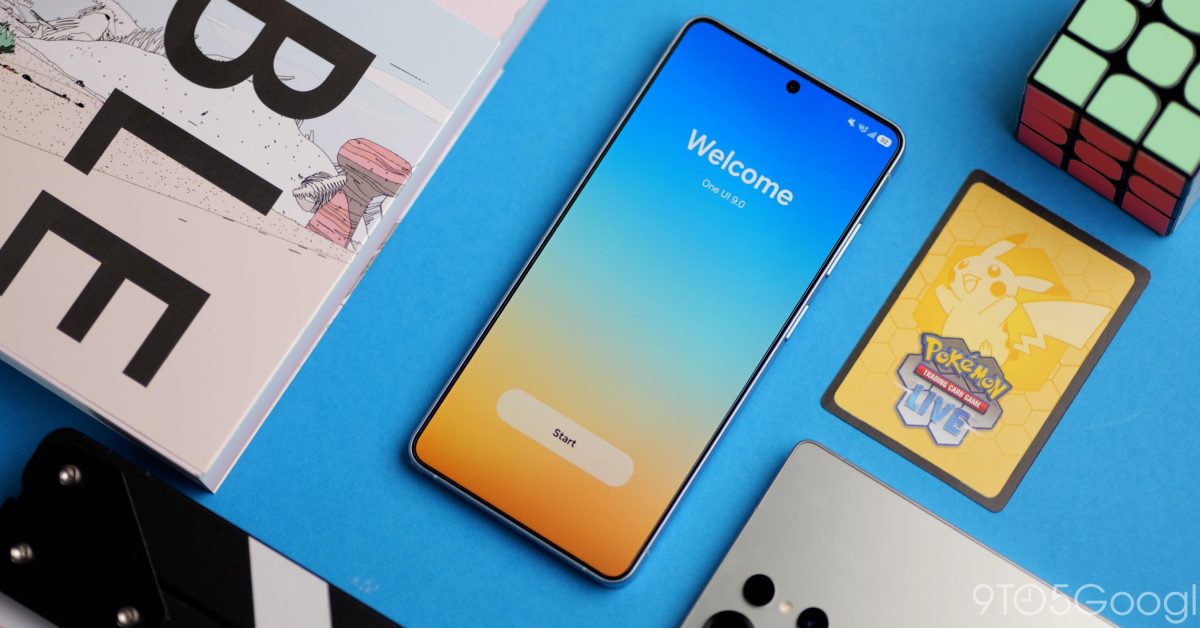
Samsung is officially releasing its Android 17-based user interface, One UI 9, across its range of Galaxy smartphones and tablets. Below is a comprehensive look at the new features and the list of devices that have received this significant update.
Highlights of One UI 9 with Android 17
One UI 9 marks a significant upgrade that focuses on refining existing features rather than implementing radical changes. Continuing the design evolution initiated in One UI 7 and further honed in One UI 8, this update offers enhanced usability and innovative AI-powered functionalities.
Key Features Introduced in One UI 9
- Integration of Warranty & Samsung Care in Settings
- Enhanced support for Now Nudge functionality
- My FanCam for automatic video cropping centered on selected subjects
- Extensive customization options for Quick Panel settings
- AI-driven privacy alerts to enhance user security
- Improvements to Samsung DeX functionality
- Dynamic lock screen clocks that adjust to wallpaper choices
List of Samsung Devices Receiving Android 17
While Samsung has yet to announce a definitive timeline for the rollout of One UI 9/Android 17, updates are currently being distributed worldwide. Below is an evolving list of Galaxy devices that have successfully received the Android 17 update so far.
Galaxy S Series
[List of Galaxy S devices with updates]
Galaxy Z Series
[List of Galaxy Z devices with updates]
Galaxy A Series
[List of Galaxy A devices with updates]
And More
Updating…
Diving into the One UI 9 Changelog
This segment outlines the comprehensive changelog for One UI 9, specifically for the Galaxy S26 series. Note that some features may differ based on device models.
Enhanced AI Features
- Improved Now Nudge: Offers useful suggestions across various aspects of device usage, not limited to keyboard interactions, but also in conversation notifications.
- My FanCam: Automatically crops videos by focusing on a selected individual, enhancing user-generated content.
- Interpreter Mode: Enables seamless scrolling through conversations in real-time.
Productivity Upgrades
- Customizable Quick Panel: Allows even further customization of quick settings to suit user preferences.
Privacy and Security Enhancements
- Warranty and Care Menu: Users can easily access their warranty status and diagnostic checks from the settings menu.
- Quick Lock Feature: Facilitates rapid locking of devices to secure sensitive information.
- Location Transparency: Introduces alerts when applications access user location data.
- Ai-Driven Privacy Alerts: Notifies users about suspicious app behaviors and unnecessary permission requests.
Health Tracking Innovations
- Redesigned Samsung Health: Offers improved visuals and trend analysis for a clearer health tracking experience.
- New Health Metrics: Users can log their mood and health data directly through the application.
Bixby Enhancements
- Gesture Activation: Bixby can now be summoned with a simple gesture, allowing for hands-free interaction.
- Conversation Management: Users can better manage their conversation history within the app.
Accessibility Improvements
- New Features: Enabling easier access and use of the device for individuals with disabilities.
- Text Spotlight: Helps to enhance readability for users needing closer access to text.
For further updates and a detailed overview of Samsung’s new One UI 9 functions and features, be sure to stay informed through Samsung’s official communications.
Latest update noted: 10/10/2026 – Initial release: 10/01/2026
