


Enhance Your iPhone Lock Screen with Latest Customizations
José Adorno/BGR
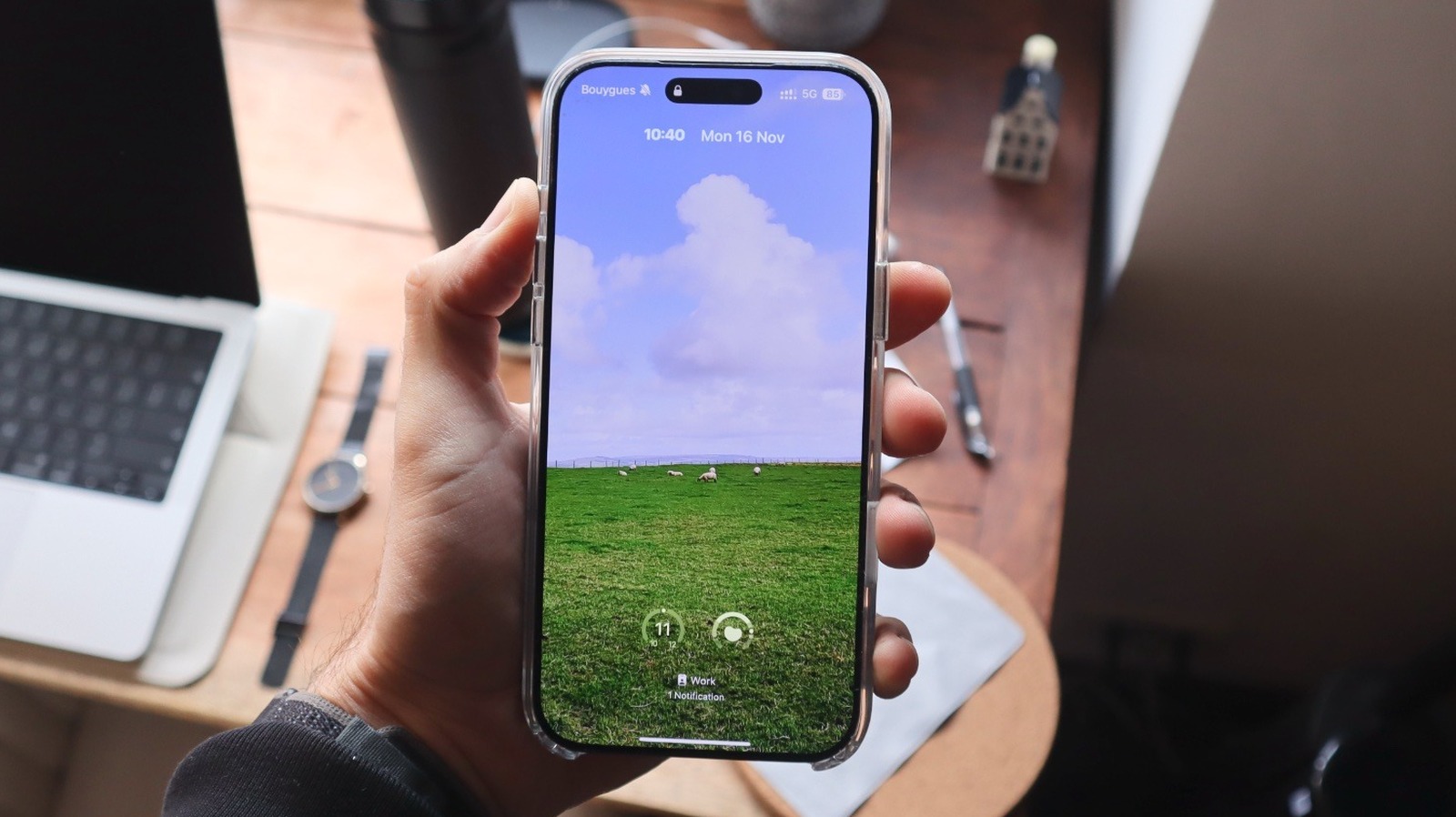
Apple has significantly broadened the customization options for the iPhone Lock Screen in recent years. Initially, users could only modify the background wallpaper. However, with the introduction of more flexible options, including widgets and a revamped interface, users now have greater control over how their Lock Screens appear and function.
The new features that come with iOS 27, including an enhanced Siri AI, offer more customization alternatives for the clock, as well as the addition of various widgets, allowing users to create a Lock Screen experience that reflects their personal style.
Tap into New Customization Features
José Adorno/BGR
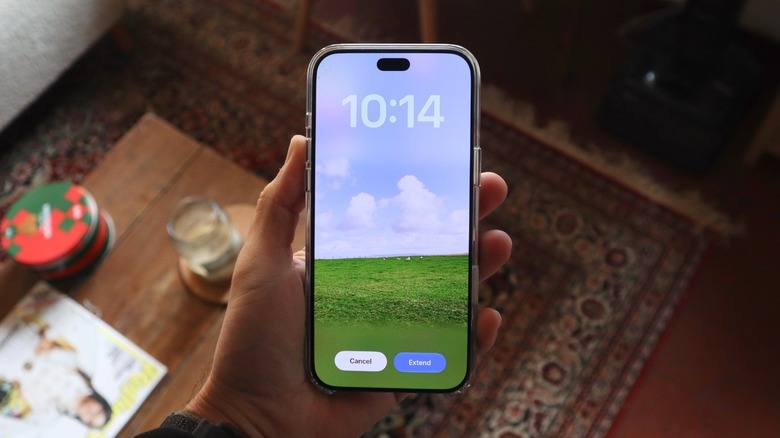
With the introduction of iOS 27, users can take advantage of features that allow for more creative customization of their Lock Screens. One standout option is the ability to extend wallpaper images. If a chosen photo is too zoomed in or lacks the desired framing, users can adjust the image size after long-pressing the Lock Screen and selecting the customization options. The device’s on-device AI can intelligently recreate image elements, thereby enhancing the visual appeal of the Lock Screen.
Moreover, users who have iPhones equipped with Action Buttons can swap out standard widgets like Flashlight and Camera for alternative shortcuts that might be more relevant to their routines. This allows for a personalized and efficient interface tailored to individual preferences.
Another new feature includes the ability to reduce the size of the Lock Screen clock for a more minimalist design. By tapping on the clock during the editing process, users can condense it into a smaller format for an aesthetic upgrade.
Leverage Focus Mode and AI-Generated Wallpapers
José Adorno/BGR
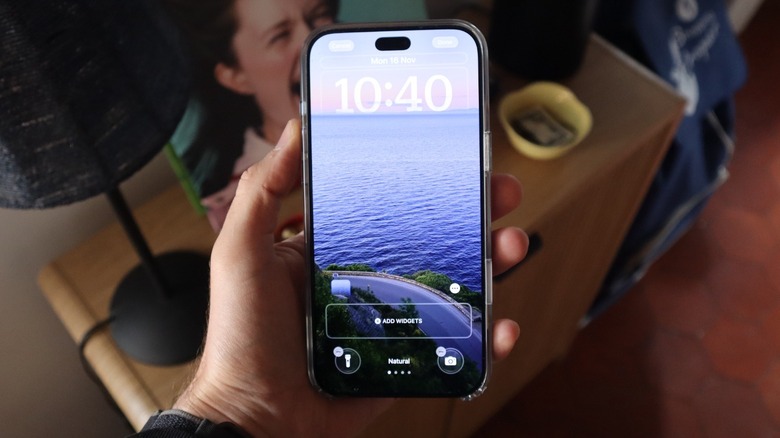
Focus Modes, introduced with iOS 15, provide another layer of customization by allowing users to create tailored Lock Screens and Home Screens that correspond to different activities or times of day. Users can design Lock Screens for work, leisure, or any specific activity, enabling filters that limit notifications from distracting apps like social media or communication platforms.
These Focus Modes can be set to activate based on location, time, or even specific actions, such as starting a workout or commuting. Accessible through the Control Center, Focus Modes empower users to manage their notifications while enjoying unique Lock Screen layouts for various scenarios.
Additionally, iOS 27 introduces the capability to generate unique wallpapers using AI technology. By tapping the Plus button during Lock Screen customization and selecting the Image Playground, users can create wallpapers based on personal images, memoji, or descriptive prompts. This innovative feature ensures each Lock Screen is visually striking and distinctly personal.
