


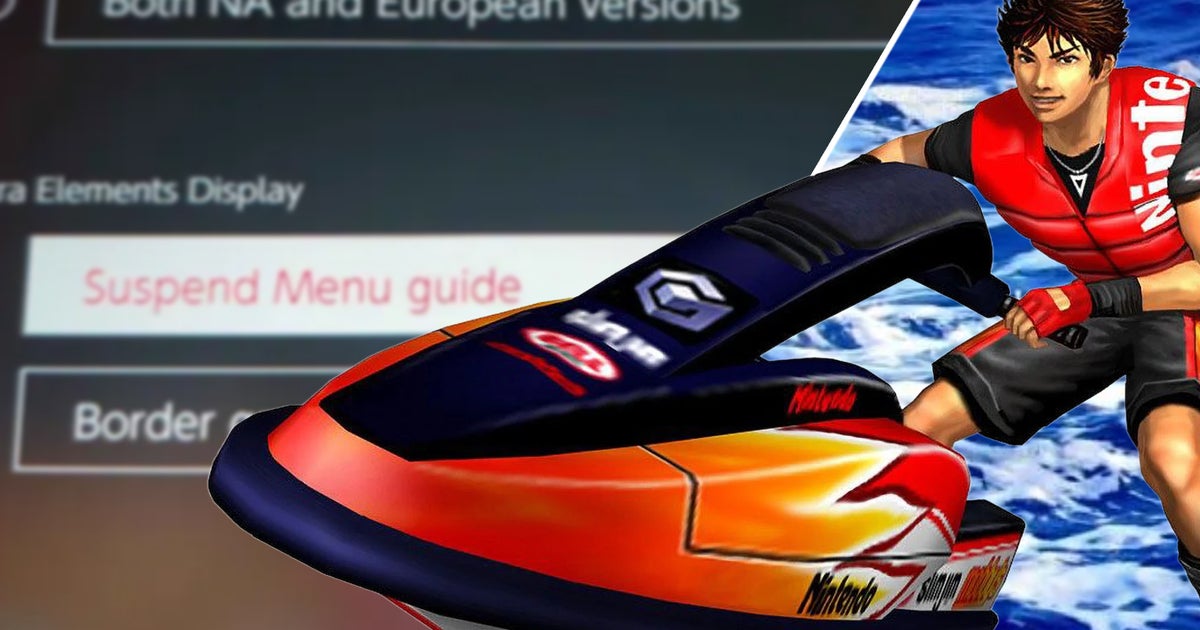
Nintendo Classics GameCube App Update Introduces Exciting Feature
The Nintendo Classics GameCube app has recently rolled out an update to its Version 2.2.0, bringing a small but highly anticipated change that has generated interest among users. Accompanying this update is the introduction of a classic game, Wave Race: Blue Storm, which has captured a share of the spotlight.
Important User Interface Enhancement
One of the most talked-about improvements in this update is the option to toggle the border graphics on 4:3 aspect ratio games. Previously, the bordered image featured a grid design that many players found distracting and uncomfortable. Some players even expressed concerns that these visuals could lead to screen burn-in on older television sets.
With the recent update, users can now choose a simple black border, replacing the checkered pattern. This adjustment, while seemingly minor, has been met with enthusiasm across social media channels, with players recognizing it as a significant step towards enhancing their gaming experience.
User Reactions to the Update
Responses to this interface tweak have been largely positive. One user commented, “Oh my gawd, I’ve been wanting this! I hate the checkered on the side, it clashed with every game I tried.” Complaints regarding the UI elements have been voiced since the Nintendo Classics platform launched on September 18, 2018, making this change a noteworthy milestone after several years of player feedback.
How to Implement the Change
To take advantage of the new black border option, players should follow these steps:
- Access the game library selection screen within the Nintendo Classics app.
- Navigate to the game settings.
- Find the “Extra Elements Display” tab.
- Select the border option to toggle the graphic. Your change will be applied immediately.
As of now, this feature is exclusive to the GameCube app on the new Nintendo Switch 2, and players have begun to request similar updates for the original Switch and other applications within the library.
Mixed Sentiments on Update Pace
Despite the excitement surrounding this improvement, not all community members are satisfied with Nintendo’s gradual approach to these updates. An individual on Reddit voiced their frustration, stating, “Why can’t we expect the full step with no graphic at all? Why do you have to deal with these half-assed implementations for a paid deluxe subscription service?”
Another user humorously remarked, “Oh well, probably gotta wait another 10 years for the next improvement.” Some users have also suggested more ambitious updates that could include background images or themed borders to enhance the retro feel, similar to those seen in the NES and SNES Classic consoles.
Conclusion
The Version 2.2.0 update to the Nintendo Classics GameCube app has addressed a long-standing user concern by allowing players to change the distracting checkered borders to a simple black design. While this positive change has been welcomed, discussions around the pace of updates continue within the community, leaving enthusiasts eager for future improvements.
