


Options for Outdated Google Nest Devices After Support Ends
As smart technology becomes more prevalent in our daily lives, older devices may fall victim to lack of support. Google, for instance, has discontinued support for various Nest products abruptly, leaving users with devices that may no longer function as intended. However, there are several viable alternatives for what to do with these devices.
Recycling Old Devices
One practical approach for handling unsupported Google Nest devices, such as the first and second generation Nest Learning Thermostats, is recycling. Google has initiated a recycling program aimed at promoting eco-friendly disposal, allowing users to contribute to reducing electronic waste. Although the devices no longer connect online, their components can still be repurposed or recycled, ultimately making room for newer technology.
Reviving Devices with Open-Source Firmware
For those interested in restoring smart functionality to their outdated Nest products, exploring open-source firmware options could be an effective solution. One notable community project is led by the company No Longer Evil. They have developed firmware designed to reinstate smart features to devices that have been rendered obsolete by previous software updates.
This custom software can effectively mimic Nest’s original functionality by connecting to a private server, albeit with certain caveats. Users should be aware that the firmware is still in development and may have inconsistent performance. There are reports of successful installations among users, but caution is advised due to potential device lock-up.
Using Devices Without Smart Features
If resurrecting the smart capabilities of older devices doesn’t appeal to you, another option is to continue using them in a non-connected capacity. After Google discontinues support for a specific device, it may lose compatibility with apps like Google Home, but it likely retains its core functionalities.
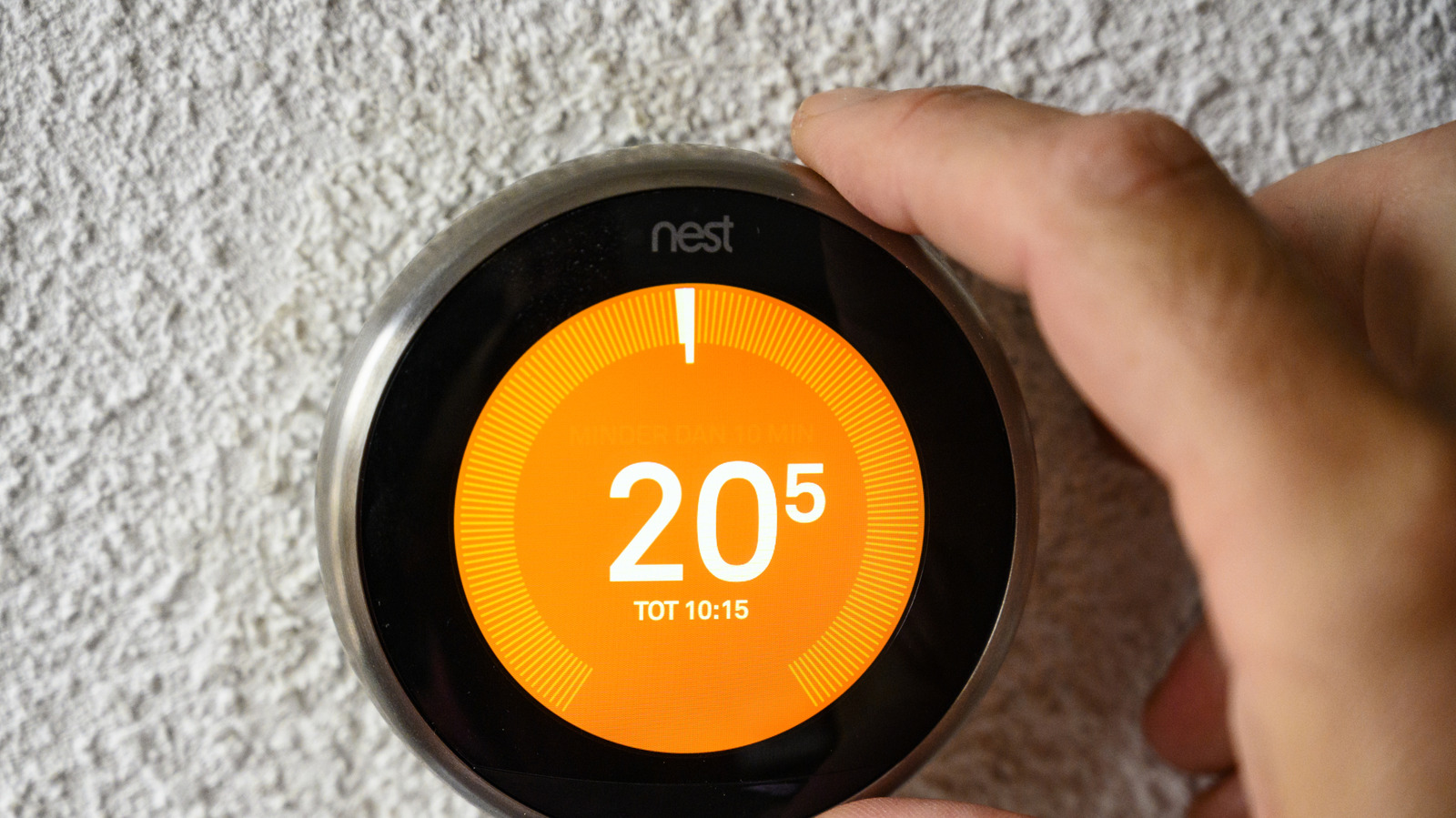
For example, even unsupported Nest Thermostats can still be used manually. Users can directly adjust temperature settings and set routines through the device’s manual interface. This method allows you to maximize the utility of these devices even without their connected features.
Alternatively, consider repurposing your old gadgets creatively. For instance, converting Nest speakers into standalone Bluetooth speakers represents one way to give new life to your outdated technology.
Conclusion
Purchasing new devices may seem like the easiest solution when old products lose support, but recycling, firmware alternatives, or practical usage approaches can provide consumers with valuable choices. As the tech landscape evolves, encouraging greater access to open-source solutions can empower users to maintain the functionality of their previous investments rather than relegating them to electronic waste.
