


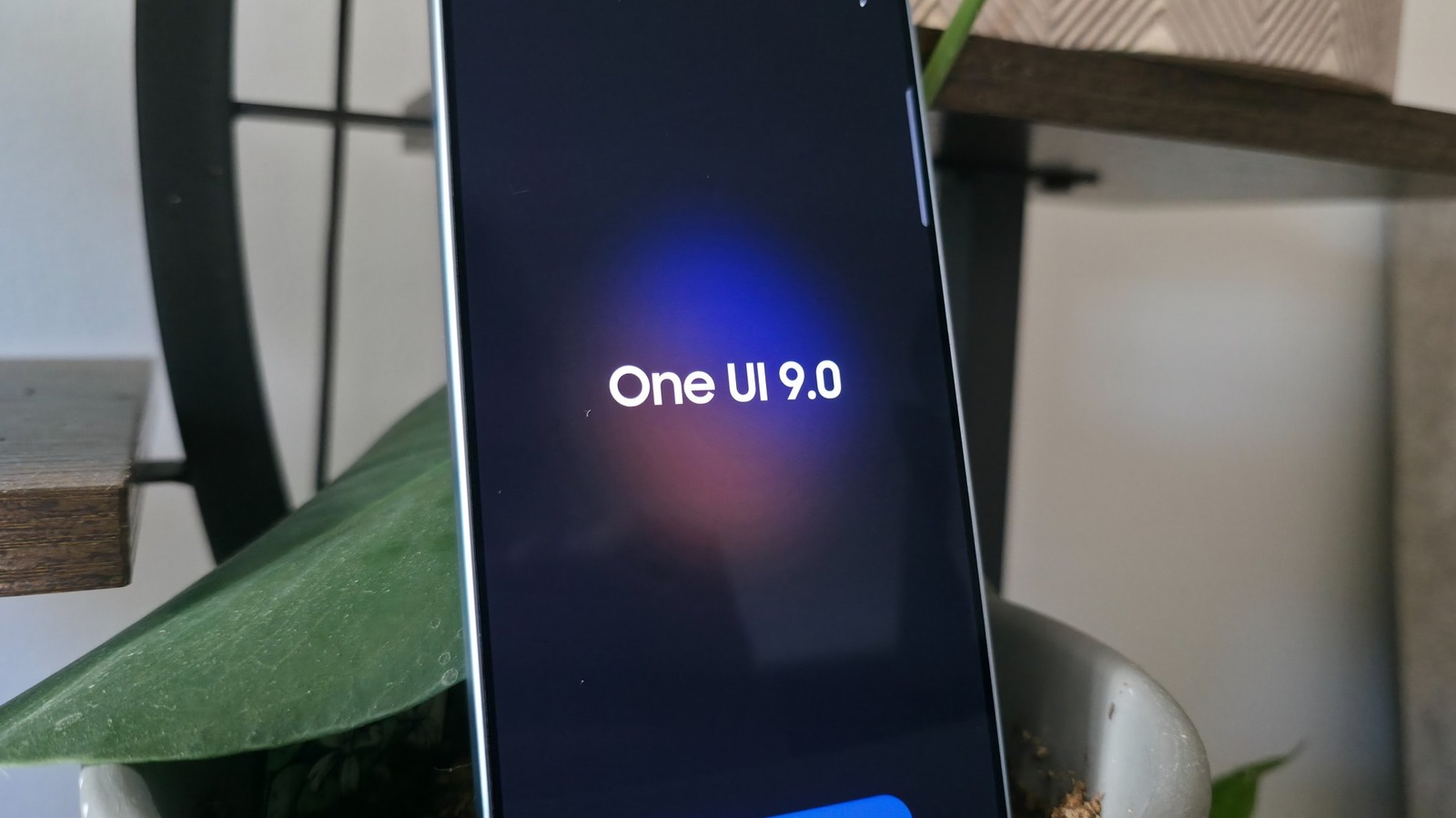
Enhancing Your Galaxy Experience: Key Features of Samsung’s One UI 9 Update
Samsung’s latest update, One UI 9, built on the foundation of Android 17, introduces a suite of features aimed at improving the user experience on Galaxy devices. Following its initial rollout with new foldable phones in August, the update is now reaching a wider audience, enhancing flagship models and adding noteworthy enhancements to device functionality.
My FanCam: Advanced Video Editing Tools
One standout feature of One UI 9 is My FanCam, designed to transform wide-angle videos into focused tracking shots. Users can select an individual subject from a group and create a close-up view during playback. This feature is particularly useful for capturing dynamic moments, such as dance performances or sports events. Unlike previous AI-driven editing tools, My FanCam operates locally without requiring cloud processing, ensuring privacy while still delivering robust editing capabilities directly from the Samsung Gallery app.
Quick Panel Customization: Tailoring Your Interface
One UI 9 amplifies user customization options significantly. Building on changes made in previous versions, this update allows for even greater personalization of the Quick Panel. Users can now reposition and resize sliders for volume and brightness, enhancing usability by minimizing distractive shortcuts. Additionally, the music player widget adapts, displaying a waveform that corresponds to current album art, providing a seamless design experience.
Enhanced Document Scanning: Making Scans Effortless
The document scanning feature in the One UI camera app has seen significant upgrades as well. The new scanner addresses previous limitations encountered with curvy surfaces, ensuring effective scanning of books and folded documents. Enhanced functionalities, such as a finger eraser, help eliminate unwanted elements from scanned images, while automatic adjustments for folds and distortions contribute to cleaner, more usable digital content.
Generative Now Brief: Personalized Information Updates
The updated Now Brief functionality allows users to create tightly tailored information cards that display meaningful updates from various applications, including Samsung Health and YouTube. Users can define the frequency of these updates, ensuring they receive relevant information without cluttering their interface. This personalized approach represents a marked improvement compared to previous versions, which struggled to provide truly valuable content.
Real-Time Security Alerts: Enhanced Device Protection
Lastly, One UI 9 introduces a preventative security measure through its Security Brief feature. Activating this function sends alerts through the Now Bar if suspicious app behavior or potential malware is detected. This proactive security system aims to enhance user safety by informing them of concerning activity as it happens, helping to mitigate risks associated with app permissions and usage.
As Samsung continues to refine its software offerings, One UI 9 represents a step towards more personalized, user-friendly enhancements that cater to the everyday needs of Galaxy device users. By focusing on practical features that improve usability, security, and customization, Samsung reaffirms its commitment to delivering high-quality mobile experiences.
