


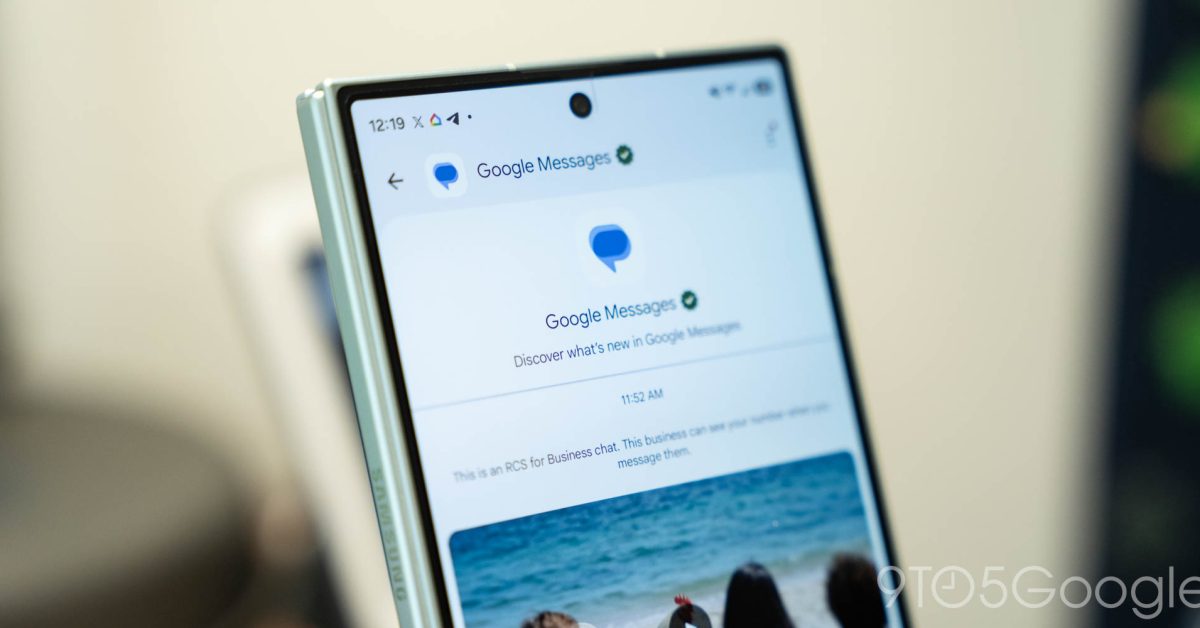
Google Messages Undergoes Redesign for Improved Usability
Recent updates to the Google Messages app for Android signal an exciting shift in user interface design. This redesign, currently in beta testing, is set to enhance the messaging experience through several notable changes.
Pinned Chats Feature
One of the standout features of the redesign is the new implementation of pinned chats. Unlike the previous method of simply listing pinned conversations at the top, the new layout places them prominently above all other chat threads, offering a clearer distinction. This updated design means that users will see large contact images at the top, but it does come at the cost of no longer displaying the chat history or last message details.

Enhanced Bottom Search Functionality
Another major update is the addition of a bottom search feature, which is being tested as a centered floating action button. Users will notice that when scrolling, the button transforms into a more accessible format. When not scrolling, it maintains a circular shape, allowing users to easily initiate searches or start new chats with a simple tap. This change is designed to facilitate one-handed operation, improving overall usability.
Corner Gemini Shortcut Introduction
The redesign also includes the introduction of a shortcut for Google’s Gemini feature. This button is placed conveniently next to the user’s profile image, reflecting a consistent design approach found in other Google Workspace applications across both desktop and mobile platforms. This adjustment aims to make functionality more intuitive without cluttering the interface.
Conclusion
The Google Messages app’s upcoming redesign presents significant enhancements aimed at improving user experience. While some users may receive these changes in phases, the overall goal remains to streamline communication and make messaging more efficient and visually appealing. As these features are rolled out more widely, they promise to reshape how users interact with their messaging applications.

