


HP Googlebook 14 Review: A Promising Device Limited by Software Constraints
Introduction
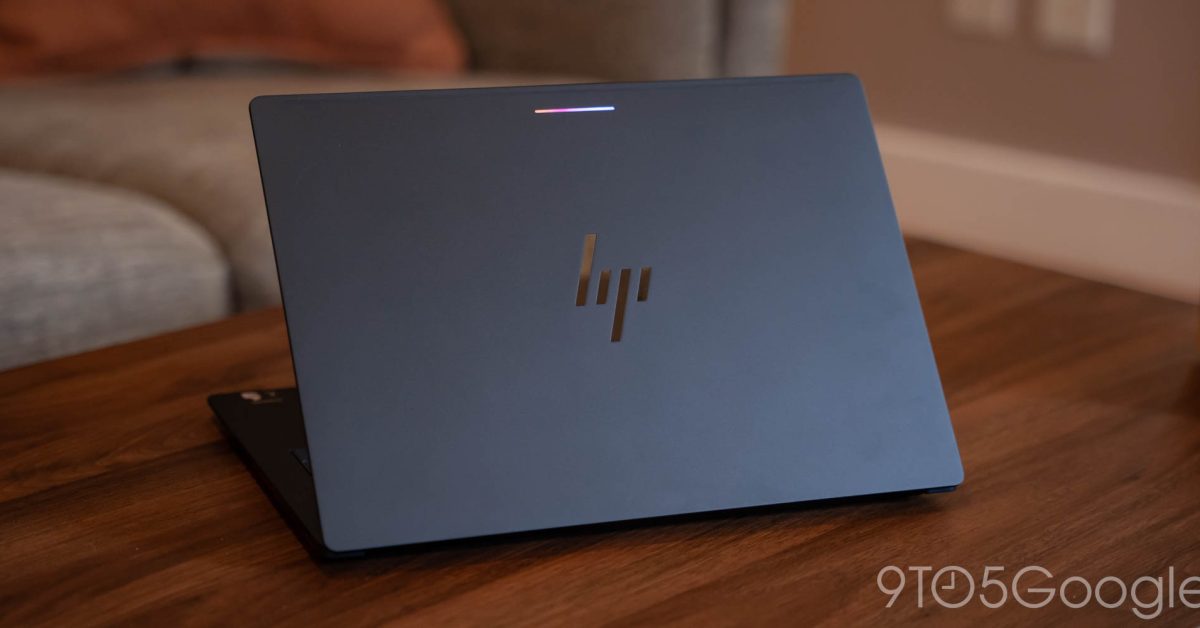
The HP Googlebook 14 marks HP’s inaugural venture into the Googlebook laptop arena. While the Googlebook operating system itself has significant limitations, the hardware of the HP Googlebook 14 impresses throughout various performance metrics.
Design Features
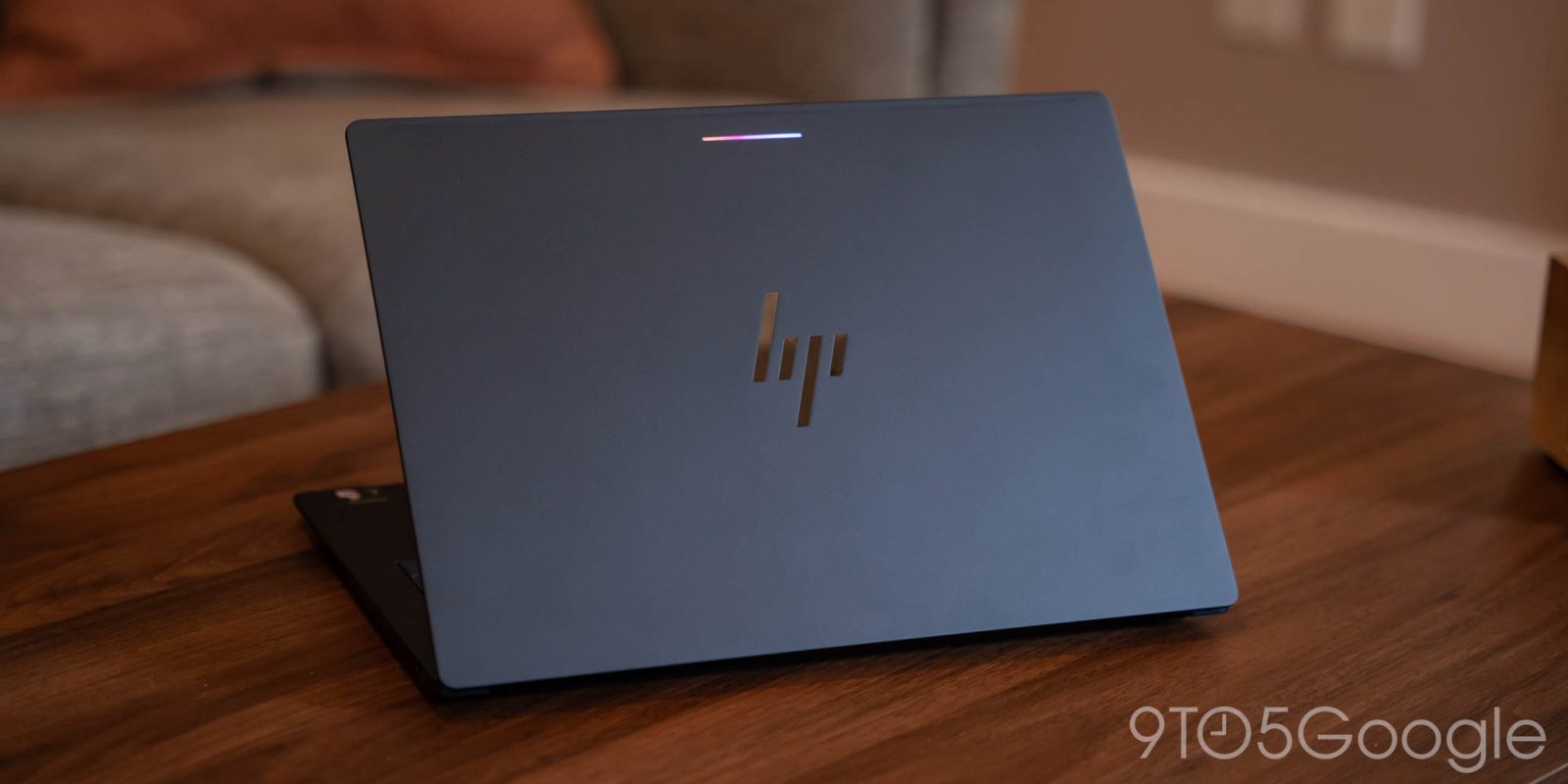
The laptop features a sleek design, measuring just 10.9mm in thickness and weighing approximately 2.74lbs. Despite a minor misrepresentation of its weight on HP’s website, the aluminum construction is sturdy with minimal flex. The underside showcases sharp corners that facilitate proper airflow, which enhances cooling when the laptop is in use.
Keyboard and Trackpad
The keyboard stands out with its exceptional travel and comfort. Typing on this laptop is satisfying, assisted by adequately spaced keys and a pleasant backlighting feature. Although the function keys function adequately, the iconography could be improved for functions like screenshots.
The trackpad is functional but feels slightly less robust than anticipated. While its placement near the spacebar may challenge some users, testing revealed it performed well without issues.
Display Quality
The 14-inch OLED display offers vibrant colors and crisp visuals, crafting an aesthetically pleasing experience. However, it exhibits limitations in brightness, particularly when used outdoors in direct sunlight.
Performance and Battery Life
Powered by the Snapdragon X Elite processor and equipped with 16GB of RAM, the laptop delivers excellent performance. Boot times are nearly instantaneous, and overall usage is smooth. Despite these strong performance indicators, battery life is not quite on par with competitors like the MacBook Air. Charging speeds are rapid thanks to the included modern charger.
Software Limitations
Despite the HP Googlebook 14’s robust hardware, it faces significant software challenges. The Googlebook OS, while promising, does not solve many inherent problems seen in its predecessor, ChromeOS. Users may find the software lacking in functionality and compatibility with widely-used applications. The regression in Linux app support is also a concern, limiting access to a wider range of software options.
Conclusion
HP has successfully engineered a commendable laptop for the Googlebook ecosystem. However, the experience is marred by the restrictions of the software, making it less appealing compared to competing options. With alternatives like Windows and macOS available at similar price points, users may want to consider other laptops that offer greater functionality for their investment.
