


The Meaning of USB-C: History and Evolution of the Connector
Nearly everyone interacts with USB ports daily, whether charging devices or connecting hardware to computers. Among the various types of USB connectors, USB-C, or USB Type-C, has emerged as the most prevalent, featured across a multitude of devices including smartphones, laptops, and gaming consoles.
The Shift to USB-C and Its Significance
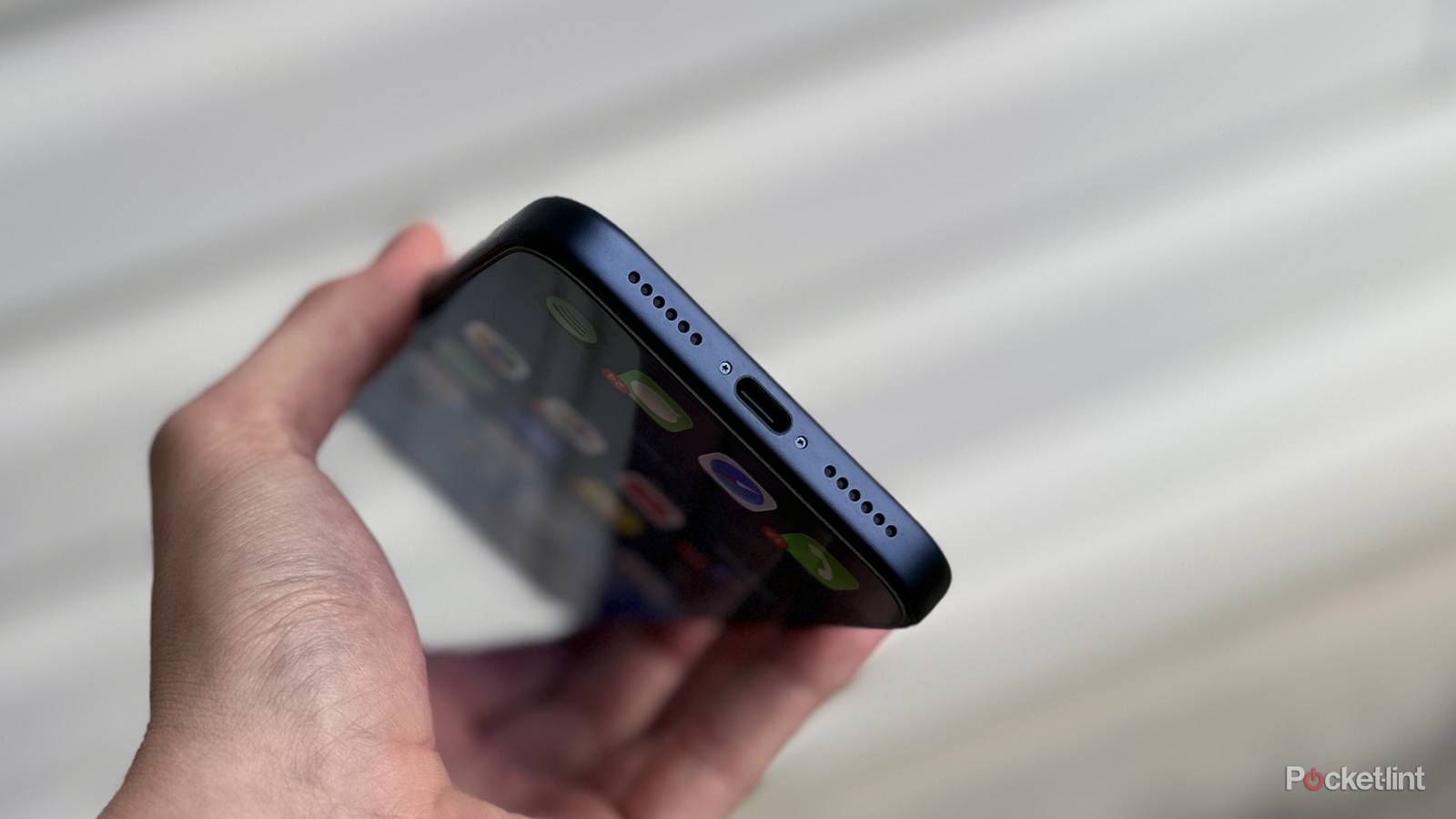
Historically, many Android smartphones have utilized USB-C for years; Apple transitioned to this universal standard with its iPhone 15 series in 2023, replacing the long-standing Lightning port. This significant change highlighted USB-C as not only versatile but also necessary in modern tech.
A recent conversation with a friend who just purchased a USB-C-equipped iPhone provoked a query that many might share: “What does the ‘C’ in USB-C stand for?” Surprisingly, the answer isn’t as straightforward as one might think, prompting further exploration into USB’s history.
Understanding USB-C: The Latest Connector in the USB Family
A Historical Perspective on USB Connectors
Initial work on USB began in 1996, thanks to a collaboration among seven prominent technology companies. This resulted in the original USB specification, designed to streamline the connection of peripherals like keyboards and printers. Since then, USB technology has evolved significantly.
The Evolution of USB Types
The most common USB types before USB-C were USB-A and USB-B. USB-A, characterized by its rectangular shape, has been in use for over two decades, largely found on devices such as computers and flash drives. Its bulkiness led to the adoption of USB-C, which provides enhanced functionality in a more compact form.
USB-B connectors are commonly used with printers and external hard drives, characterized by their square shape and bulkier design.
Unlike USB-A and USB-B, USB-C is a reversible connector with a symmetrical design, allowing it to be plugged in any orientation.
As a new design, USB-C caters to the need for slim, high-performance devices, making it the preferred choice among manufacturers focusing on portability and efficiency.
What the ‘C’ in USB-C Really Means
Not an Indicator of Power or Speed
It’s essential to clarify that the “C” does not represent a specific word or acronym. Instead, it designates the connector’s place in the USB hierarchy, following the older USB-A and USB-B types. This labeling system reflects the chronological introduction of each connector variant.
Data Transfer Speeds of USB-C
One of the features of USB-C is its compatibility with various USB protocols, which determines the data transfer speeds. Speeds can range from USB 2.0 at 480 Mbps to advanced protocols like USB 4 and Thunderbolt 4, capable of up to 40 Gbps. However, actual speed depends on the specific implementation of the technology within the device and the quality of the included USB-C cable.
For instance, the iPhone 17 Pro features a USB-C port supporting USB 3.2 with a speed up to 10 Gbps, while the standard iPhone 17 is limited to USB 2.0, capping at 480 Mbps. Additionally, charging performance through USB-C is contingent upon the device’s design and the quality of the charging cable used.
