


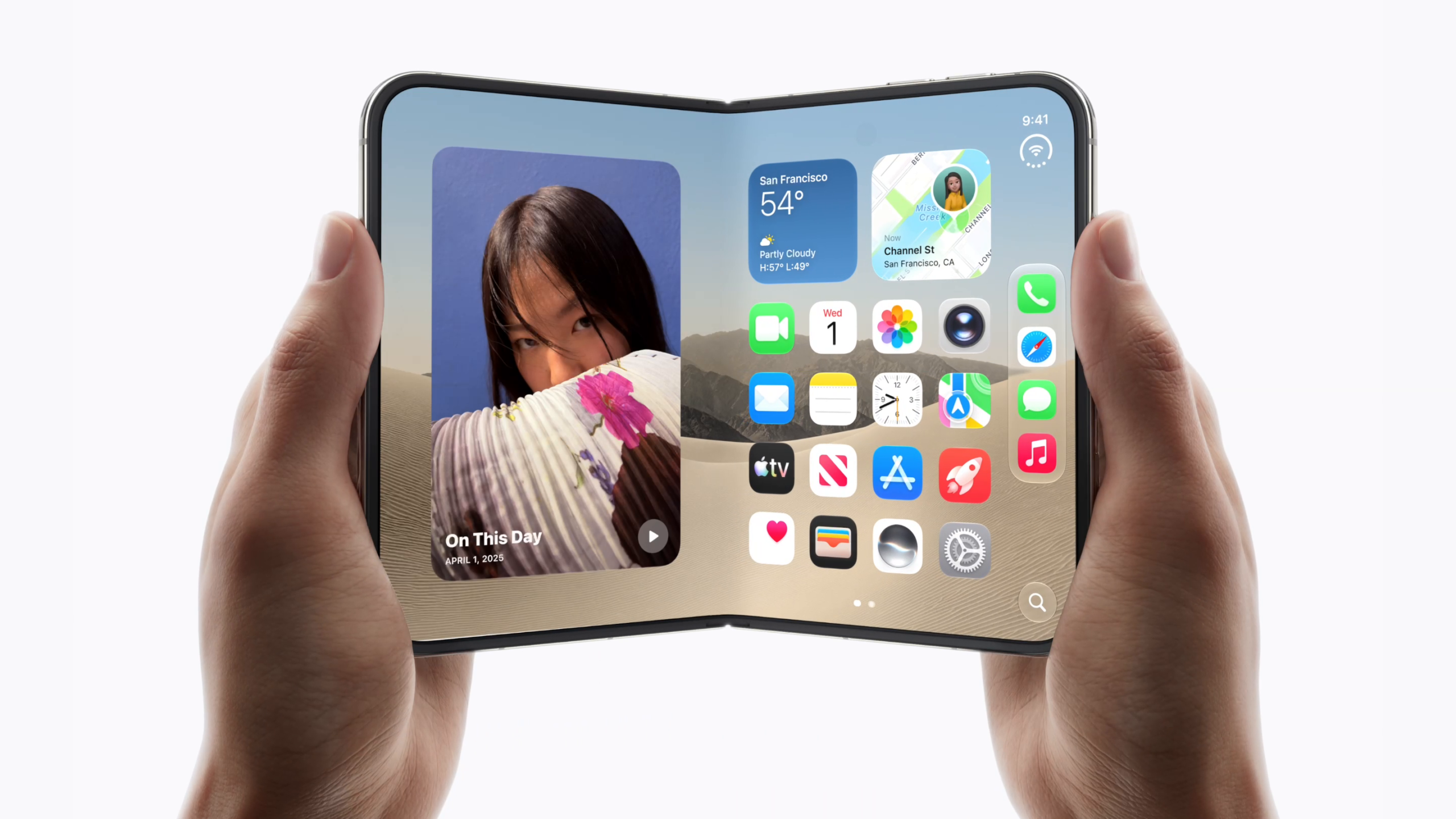
User Feedback on iPhone Duo’s Touch ID: A Step Back from Face ID?
The recent reviews of Apple’s iPhone Duo have sparked discussions regarding its Touch ID functionality. Many users transitioning from Face ID have expressed their concerns about the performance and user experience of Touch ID, suggesting that it may not meet their expectations.
Performance Insights from Reviewers
Feedback from tech reviewers indicates that the Touch ID on the iPhone Duo is perceived as slower than expected. Marques Brownlee noted that Apple has intentionally included a slight delay when unlocking the device. Users must touch the sensor, wait for a brief pause on the Lock Screen, and then continue pressing to unlock the Home Screen.
“It’s technically smart. Like, it’s giving people a chance to check to see their notifications real quick before it goes and unlocks it. And if they want to deliberately hold it longer, it’ll unlock. But as someone who is used to the instant unlocks from Face ID, I was like, I need to find a way to turn this off. And I did not find that. Like it just makes the fingerprint reader feel slow when it’s not slow […]”
Comparative User Experience
Several reviewers have compared the iPhone Duo’s Touch ID to Face ID, describing it as a source of frustration. Engadget pointed out that Touch ID “takes a bit longer to unlock than you might expect.” However, Apple has stated that this intentional delay aims to provide a more consistent experience akin to devices like Macs and iPads, allowing time for the device to wake and show notifications.
Joanna Stern from The Wall Street Journal noted her struggles with the unlocking process, even after registering multiple fingers. She remarked, “Face ID, I cannot tell you how deeply I miss you,” highlighting the challenges many users face in adjusting to the new system.
Issues with Touch ID
Other reviewers, including Mrwhosetheboss and PetaPixel, expressed specific frustrations regarding Touch ID’s responsiveness. Common issues include:
- Difficulty unlocking after washing hands or with greasy fingers.
- Accidental haptic feedback when attempting to pick up the device.
- Orientation challenges, as Touch ID is primarily more comfortable in landscape mode.
PetaPixel further criticized Apple’s decision to implement Touch ID over Face ID, stating it felt like a regressive step for the device. The article emphasized that unlocking via the Apple Watch proved to be more efficient than using Touch ID.
Adaptation Recommendations
While initial reviews indicate a steep learning curve for many users, some, like Brian Tong, believe that owning an Apple Watch can significantly reduce the unlocking friction. The Verge noted that after a week of use, most users could adapt to the new system, gaining a mostly seamless experience with Touch ID.
Ultimately, the main takeaway for potential buyers of the iPhone Duo is whether the shift from Face ID to Touch ID is a dealbreaker for their daily interactions with the device. The feedback suggests that while some users may quickly adjust to the new unlocking method, others may find themselves longing for the previous Face ID experience.
Your Thoughts?
If you are considering the iPhone Duo, do you think you will miss Face ID? Share your thoughts in the comments below.
