


Customizing the MacBook Pro’s Illuminated Apple Logo with Backglow
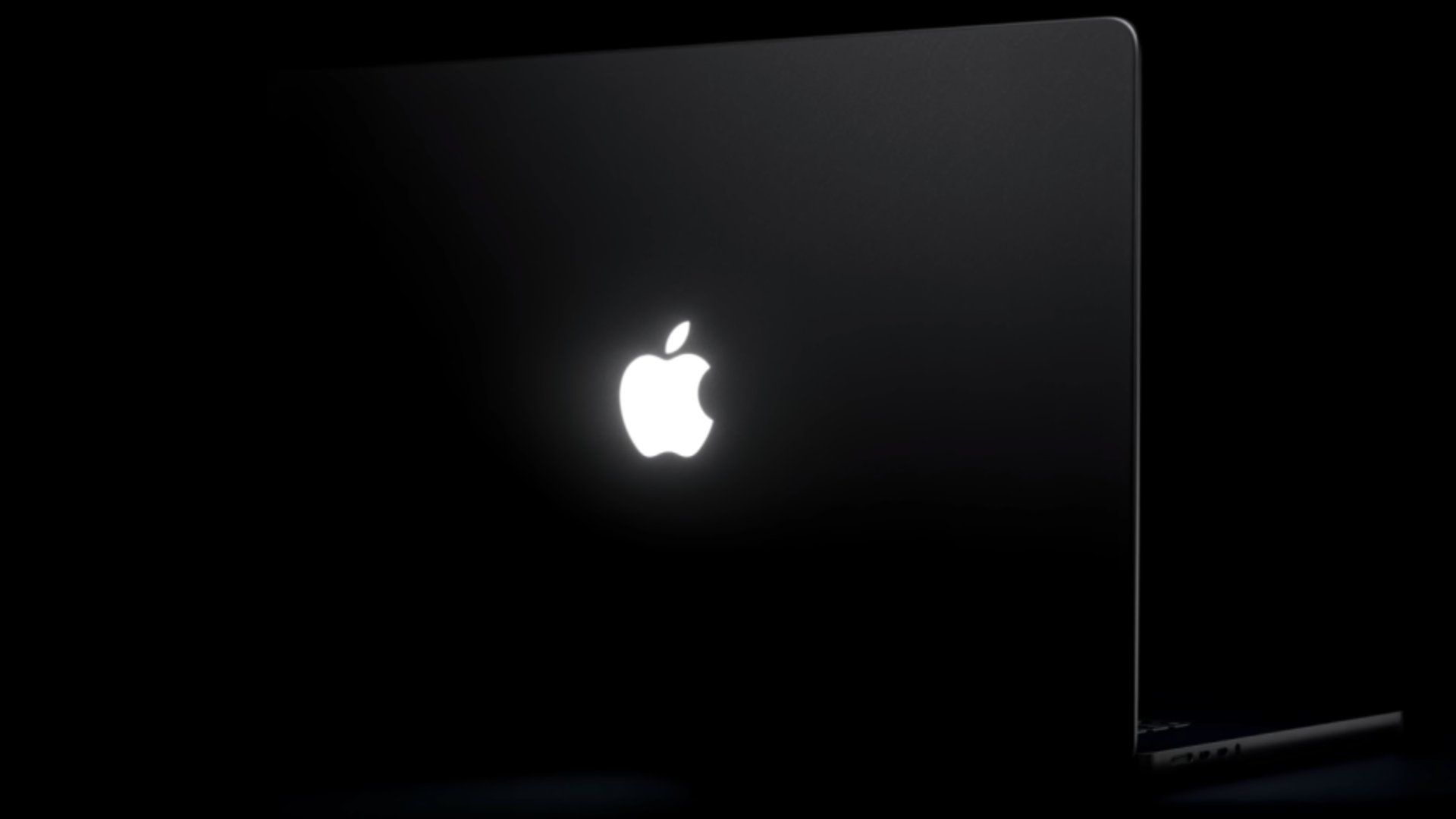
In an innovative leap for MacBook Pro users, designer Juan Buis has introduced the Backglow app, allowing for personalized control over the illuminated Apple logo on the recently launched models.
Features of the Backglow App
The Backglow app features both free and premium options for users:
- Manual Brightness Control: Adjust the brightness of the logo independently from the display.
- Quick Turn Off: Easily disable the logo lighting with a single click.
- Breathe Mode: A calming effect that mimics the gentle pulsing of old MacBook sleep indicators.
For a fee of $9 (temporarily discounted from $15), users can upgrade to the Pro version, which includes:
- Music Mode: The logo pulses in rhythm with music playing on the Mac.
- Agents Mode: The logo light signals when attention is required from the user.
The Return of the Glowing Logo
Apple’s reintroduction of the glowing logo feature marks a significant development, as the company had gradually phased it out starting in 2015. The new 14-inch and 16-inch MacBook Pro models, equipped with PROLED XDR displays, have revived this iconic feature.
The logo, powered by a custom white LED, does not change colors. According to reports, Apple’s engineering team developed a specialized light source that enables the logo to glow without increasing the lid thickness. As an Apple representative stated to Daring Fireball’s John Gruber, “Because it’s awesome.”
Operational Details
By default, the glowing logo is activated whenever the MacBook is awake. It automatically adjusts its brightness based on the screen’s light level and the ambient light detected in the surrounding environment. The ability for users to control the logo’s lighting through the Backglow app enhances the overall user experience significantly.
