


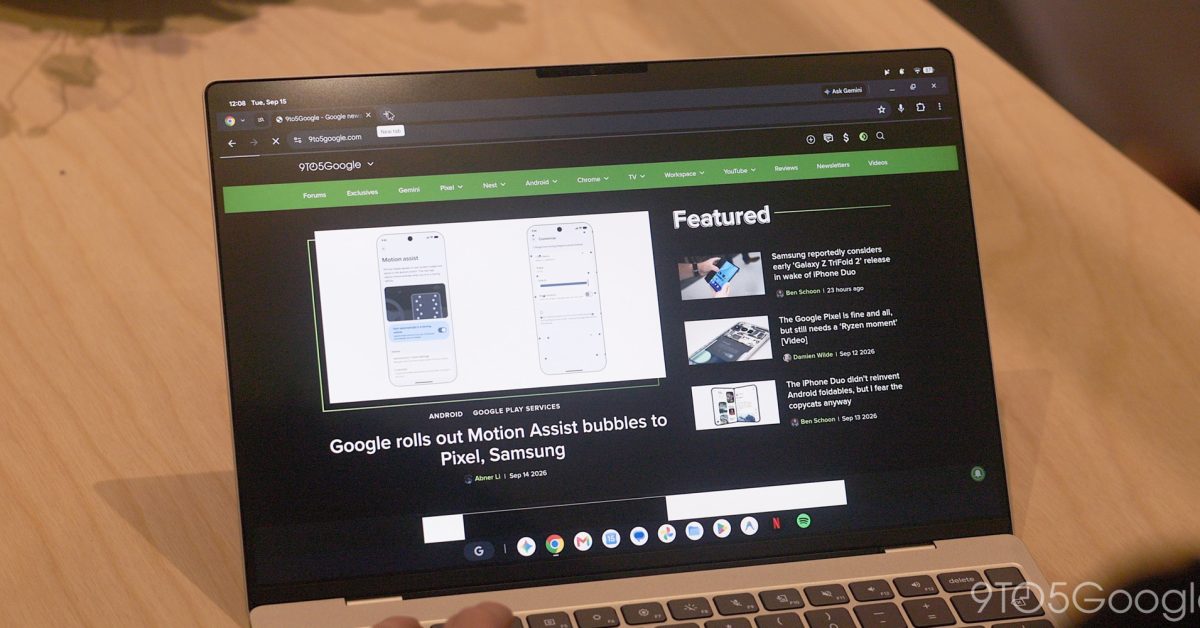
What’s New in Chrome 157: Key Features and Enhancements
Released last week, Chrome 157 introduces several exciting features that enhance user experience, especially around tab management and settings navigation. Below are the noteworthy updates included in this version.
New Features in Chrome 157
- Auto-Expand Vertical Tabs on Hover: Users can now hover over the minimized vertical tab section to temporarily view the full tab titles, which retracts once the cursor is moved away. This feature is enabled by default and can be toggled via the Settings menu.
- Resizable Vertical Tab Bar: Users have the ability to adjust the width of the vertical tab bar, making longer page titles visible without truncation. The browser retains this custom width even after restarts, provided the auto-expand option is turned off.
- Direct URLs for Settings: Each subpage within Chrome Settings now has its own direct URL, allowing easy navigation and bookmarking of specific settings pages.
- Tab Sharing Controls Bar: While sharing browser tabs in video calls, a new persistent control bar appears at the top of the interface, providing quick access to stop sharing or switch the shared tab.
- “Save As” System File Dialog: A default system file picker is now available for actions such as saving links, images, or pages, allowing users to rename files and select their saving location easily.
Additional Improvements
Beyond the major features, Chrome 157 also implements over twenty improvements aimed at enhancing usability and functionality:
- Enhanced right-click context menus for the Bookmarks Bar.
- The bookmarks bar remains visible in fullscreen mode with vertical tabs enabled.
- Improved responsiveness of bookmarks during screen sharing on platforms like Google Meet.
- Consistent hover card visibility over pinned tabs, even with a vertical scrollbar.
- Address bar interactions receive upgrades, such as enhanced selection techniques.
- Streamlined handling of PDFs and improved media controls during Picture-in-Picture playback.
Stability Enhancements
Chrome 157 also includes multiple stability fixes that improve the overall user experience across extensions and keyboard shortcuts, ensuring a smoother browsing session.
In conclusion, Chrome 157 significantly enhances how users interact with tabs and settings, promising a more efficient and enjoyable browsing experience. For a complete list of adjustments and features, visit your Chrome settings or their official website.
