


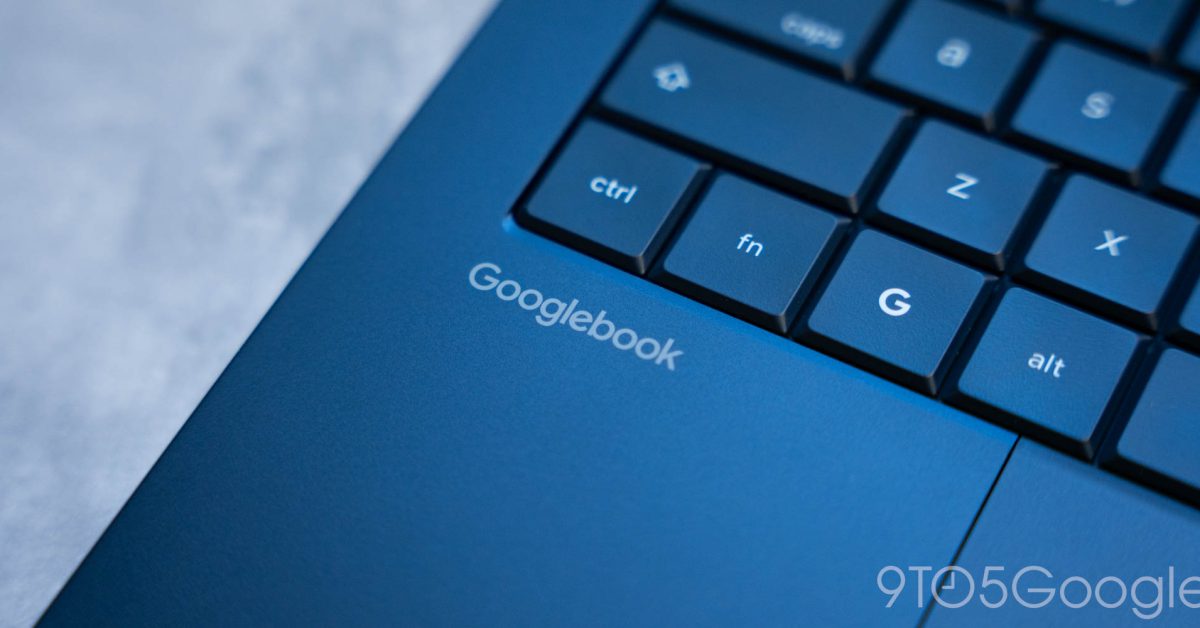
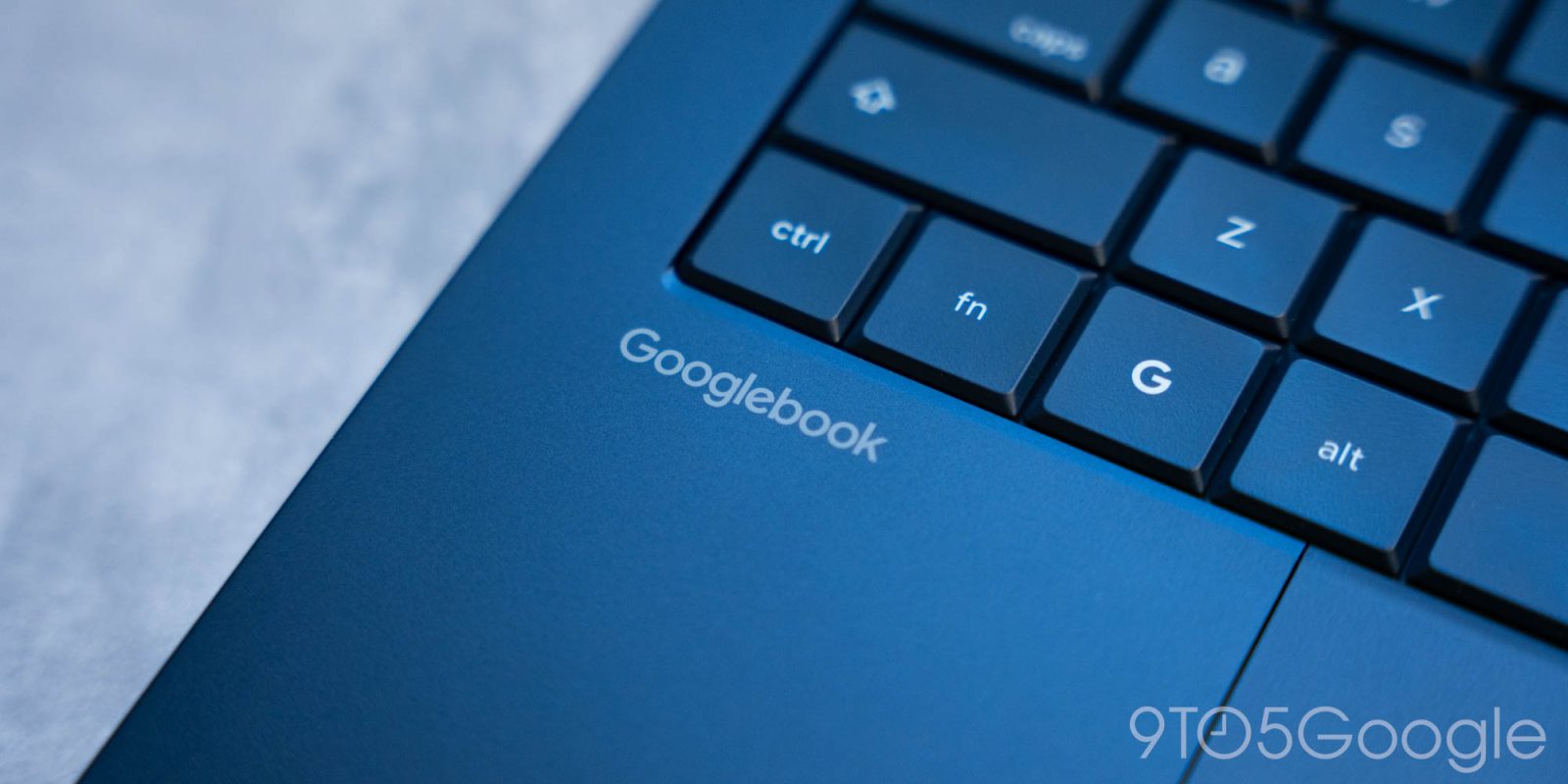
Understanding Googlebook’s Integration with Android Devices
Googlebook is a new desktop platform characterized by its deep integration with Android smartphones. As it launches, it offers several features that aim to enhance the user experience through synchronization across devices. However, the rollout of these integrations, particularly the “Better Together” features, has encountered some initial challenges.
Core Features and Current Functionality
The platform provides several essential functionalities that connect Android phones with Googlebook, including:
- App Streaming
- Notification Synchronization
- “Continue On” for suitable applications
Despite these offerings, many users have reported inconsistencies in performance, such as delays or unavailability of certain features, complicating their experience. Particularly, the Instant Hotspot feature has been noted for its overall reliability, while others may require additional effort to activate properly.
Ongoing Updates and Samsung Device Support
In light of the feedback, Google has initiated updates to improve the user experience. These updates focus on streamlining the first-time setup process, making it easier to engage the cross-device functionalities. Notably, a previously mentioned bug that caused the QR code for pairing to persist post-setup has been addressed.
The required version of Google Play Services on Android devices must now be 26.37 or higher. Users can verify their update status via the Play Store. Additionally, Cross-device services should also be updated to at least version 1.0.1346, also accessible through the Play Store.
Device Compatibility and Galaxy Smartphone Issues
Initially, Galaxy smartphones were notably absent from the list of supported devices at the Googlebook’s launch. Google did indicate that support would be forthcoming, but specifics were vague. This has been a point of concern for many users. Recent updates appear to act as a solution, with emerging confirmations of functionality on Galaxy devices.
“Your Android phone must run Android 17… Better Together features work with Pixel and compatible Android 17 phones including Xiaomi, Oppo, OnePlus, Motorola, Lenovo, Honor, Sharp, Sony, Samsung (One UI 9.0), and more.”
Steps to Ensure Effective Connection
To maximize the benefits of Googlebook, users are advised to follow these setup recommendations:
- Confirm your phone is operating on Android 17.
- Ensure both devices are signed into the same Google Account and that Bluetooth and Wi-Fi are enabled.
- Connect both devices to a private Wi-Fi network, avoiding public networks with client isolation.
- Update Google Play Services and Cross-device Services as specified.
- Verify that all relevant activity toggles are enabled on your device settings.
- Restart both devices to apply changes.
Conclusion
The rollout of updates for Googlebook brings promising news, especially for users with Samsung Galaxy devices. As support continues to expand and stabilize, it is anticipated that more users will be able to take full advantage of the integrated features that Googlebook promises.
Users with new experiences of these features are encouraged to share their feedback in the comments section below.
Follow for More Updates
Stay connected on social media for the latest updates: Twitter/X, Threads, Bluesky, and Instagram.

FTC: We use income earning auto affiliate links. More.
