


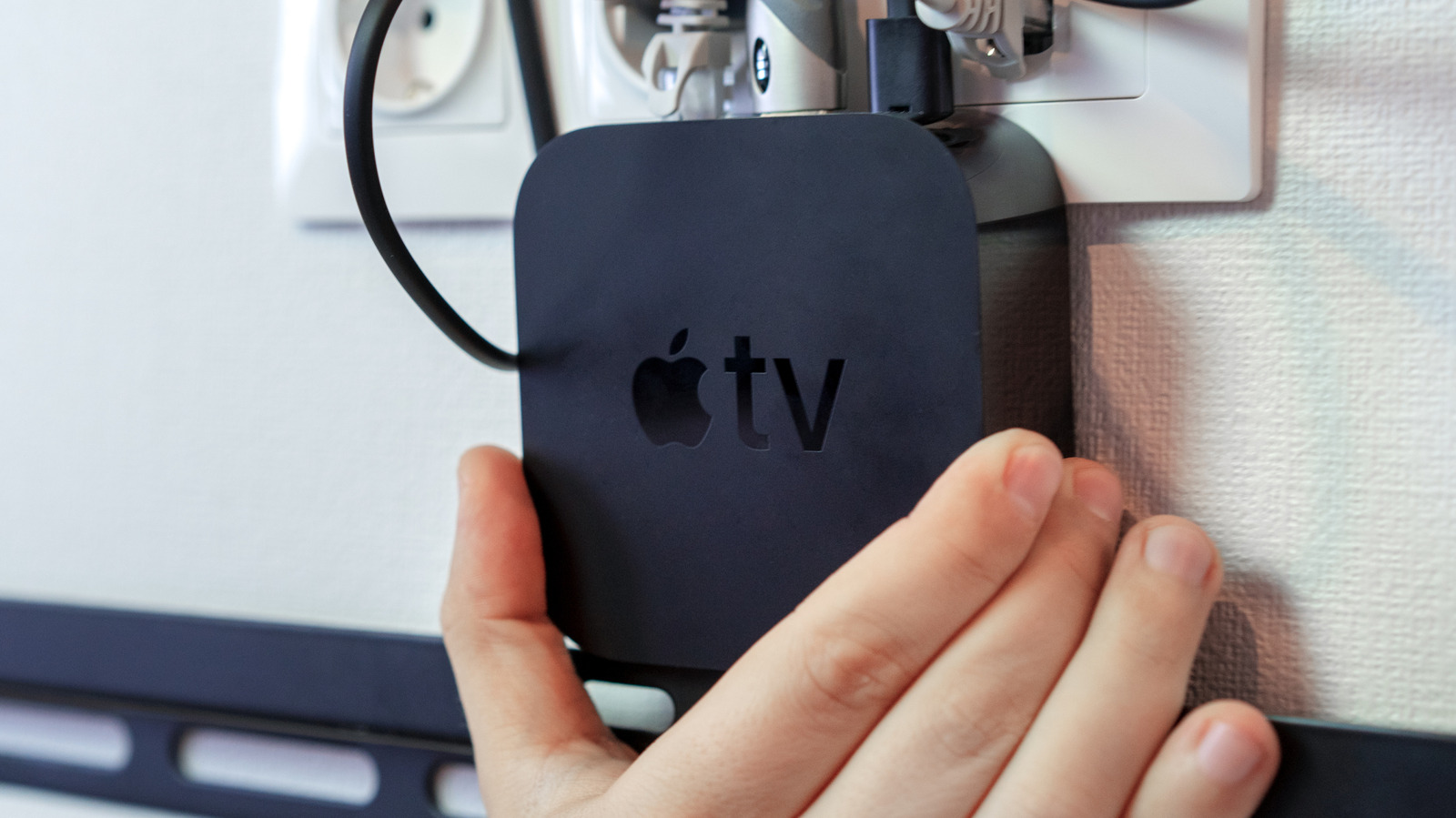
Maximizing Your Old Apple TV 4K: Creative Repurposing Ideas
Discover innovative uses for your older Apple TV model.
Why Keep Your Old Apple TV?
If you’ve recently upgraded to the latest generation of Apple TV 4K, you may be considering what to do with your older device. Instead of discarding it, consider repurposing it. Despite being an older model, an Apple TV offers a range of functionalities that can still prove useful in your home.
Unlike generic streaming devices, Apple TVs operate on tvOS and cannot be easily modified to run third-party software. However, their robust capabilities allow for creativity in how you utilize them, whether it be as a secondary unit or as part of your smart home ecosystem.
Potential Uses for Your Older Apple TV 4K
Your older Apple TV can serve various purposes, enhancing your viewing and gaming experience. Here are some suggestions:
- Secondary Television Upgrade: Connecting your older Apple TV to a secondary TV — such as a child’s room or a basement setup — can significantly enhance the user experience. The interface of tvOS is smooth and user-friendly, making it a better option compared to many budget streaming devices.
- Gaming Potential: The Apple TV 4K is capable of running a selection of engaging games, including console-style titles. Pairing it with an Xbox or PlayStation controller will improve gameplay compared to using the Siri Remote, making it suitable for casual and party gaming.
- AirPlay Streaming: Utilize AirPlay to mirror content from your iPhone, iPad, or Mac onto your TV screen. This feature allows for larger display options, although it may experience some latency, making it less suitable for fast-paced gaming.
Enhancing Your Smart Home Setup
Keeping an older Apple TV connected can be advantageous for managing a smart home through Apple’s HomeKit platform. Here are key benefits:
- Home Hub Functionality: An Apple TV serves as a Home Hub, providing remote access and reliable automation functions, which is essential for managing smart home devices.
- Redundancy in Hubs: Adding more Home Hubs enhances reliability, ensuring that if one device disconnects or needs an update, others can take over seamlessly.
- Support for Matter Controllers: Recent Apple TV models can pair with Matter-ready accessories, facilitating interoperability between various smart devices and improving overall network performance.
