Close Menu
Newsward
  • World
  • US
    • Politics
  • Tech
    • Science/Tech
  • Money
    • Business and Market Watch
    • Crypto
    • Career
  • Health
    • Fitness
  • State of Women
  • Opinion
  • Sports
    • NFL
    • MLB

Subscribe to Updates

Get the latest creative news from FooBar about art, design and business.

What's Hot

Pat McAfee calls ‘College GameDay’ visit uncomfortable after Utes’ social media post

October 27, 2026

GTA 6’s Release Has Resulted in a 17% Increase in Time Off Requests at Work

October 27, 2026

Convicted murderer serving life escapes through Tennessee prison fence, uses stolen truck as getaway vehicle, officials say

October 27, 2026
Newsward
  • World
  • US
    • Politics
  • Tech
    • Science/Tech
  • Money
    • Business and Market Watch
    • Crypto
    • Career
  • Health
    • Fitness
  • State of Women
  • Opinion
  • Sports
    • NFL
    • MLB
Subscribe
Newsward
Home » iOS 27.2 Features: Everything New in iOS 27.2
Technology

iOS 27.2 Features: Everything New in iOS 27.2

By October 27, 2026No Comments3 Mins Read
Facebook Twitter Pinterest LinkedIn Tumblr WhatsApp VKontakte Email
IOS 27.2 Features: Everything New in iOS 27.2
Share
Facebook Twitter LinkedIn Pinterest Email

Overview of iOS 27.2: New Features and Enhancements

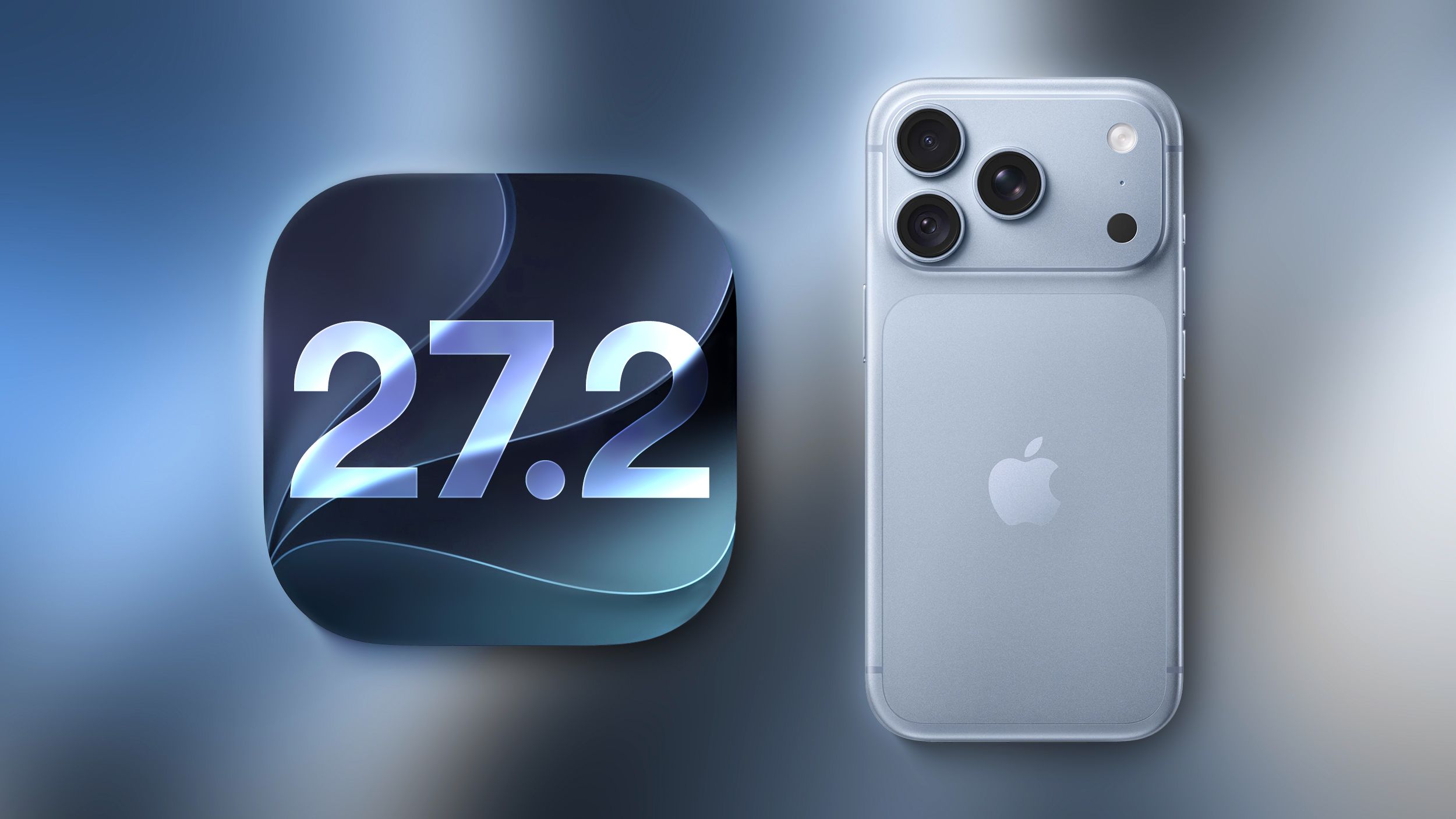
Apple has launched iOS 27.2, marking a significant update that unifies several iPhone models, including the iPhone Duo, under the same operating system version. This update introduces a variety of new features and enhancements aimed at improving user experience.

Enhancements to Siri

Siri’s Recall Features

Users will find that Siri has improved capabilities in recalling past conversations, enabling more natural interactions. You can ask Siri for information it previously shared, such as restaurant recommendations.

Expanded Source Access

Siri can now access information from:

  • Photos in Messages
  • Calendar event attendees
  • Voicemails

Additionally, results from Safari history and Reading List have also improved.

Streamlined App Access

A redesigned feature allows users to select which apps Siri can access more easily than before, eliminating the need for individual exclusions.

Text selection within Siri responses has been refined, allowing you to copy specific sections as needed. Note that these enhancements are compatible with the iPhone 15 Pro and later models.

New Language Support for Siri

The virtual assistant now supports additional languages, including French, Japanese, Korean, Portuguese, and Spanish, but remains unavailable in the EU and mainland China.

Messages Improvements

A new suggestion feature is now integrated into the Messages app, previously tested during the iOS 27 beta phase but removed prior to the final release. This feature displays context-aware, tappable shortcuts within conversations, enabling actions such as adding calendar events or tracking package deliveries with a single tap.

Changes in Apple Music

With iOS 27.2, Apple Music has undergone a visual rebranding, featuring a sleek new black and white icon in place of the previous red design. Correspondingly, accent colors throughout the app have been updated to align with this new theme.

Photos App Updates

The Photos application now allows users to edit captions and comments in Shared Albums. A new feature helps prevent duplicate photo uploads, and users will receive alerts prior to album expirations, ensuring significant media is not lost.

Innovations in Podcasts

The Podcasts app now organizes the Home tab into dedicated sections for New Episodes and Continue Playing, enhancing content accessibility significantly.

New Features for Apple TV and More

Apple TV Profiles

Users of the Apple TV app can now create personalized profiles directly from their iPhone or iPad, requiring just a name and age rating, including a child profile option that automatically restricts content to PG ratings.

Updates to FaceTime

Group FaceTime calls now support Dual Capture, allowing users to stream video from both front and rear cameras simultaneously. This feature is available on various recent iPhone models and provides an option to integrate third-party sign language interpreters or live captioners into calls.

Improved User Interactions and Automations

Updates to Shortcuts

New automations and actions have been introduced in the Shortcuts app, including a feature that activates based on iPhone usage (opening or closing), alongside enhanced fitness tracking capabilities.

Call Context Feature

The Phone app’s new Call Context function reminds users of anniversaries when they call saved contacts, bringing an added personal touch to communication.

Security Enhancements

iOS 27.2 addresses over 160 security vulnerabilities, enhancing device safety and ensuring users are protected against potential exploits. While none of the vulnerabilities were actively exploited, it is advisable to apply the update promptly.

Note that the redesigned Health app will be rolled out in a later update and is not included in this version.

In summary, iOS 27.2 brings a plethora of enhancements across multiple applications, elevating the overall functionality and usability of Apple devices. Users are encouraged to explore these new features to improve their experience.

Features iOS
Share. Facebook Twitter Pinterest LinkedIn Tumblr WhatsApp Email
Previous ArticleAuthorities launch manhunt for convicted killer who escaped from Tennessee prison
Next Article Israeli election draws tens of thousands flying back to vote

Related Posts

GTA 6’s Release Has Resulted in a 17% Increase in Time Off Requests at Work

October 27, 2026

iPhone Duo owners report cracks in Apple’s first foldable handset | iPhone

October 27, 2026

Watch out, YouTube — Instagram goes from short-form to 90-minute videos

October 26, 2026

ChatGPT Keeps Telling People 404 Media Can Solve Their Tech Support Problems

October 26, 2026

Top Articles

Can You Actually Make Money as an Indie AI Filmmaker in 2026?

October 22, 2026

MOFCOM’s New Rules and the Future of Chinese AI

October 22, 2026

‘Bordering on angry’: The state of play as US midterms enter final month | US Midterm Elections 2026 News

October 3, 2026

Bryter: Women Gamers in 2026

October 2, 2026

Don't Miss

Sports

Pat McAfee calls ‘College GameDay’ visit uncomfortable after Utes’ social media post

By October 27, 20260

Pat McAfee’s Unpleasant Experience at the University of Utah during College GameDay SALT LAKE CITY…

GTA 6’s Release Has Resulted in a 17% Increase in Time Off Requests at Work

October 27, 2026

Convicted murderer serving life escapes through Tennessee prison fence, uses stolen truck as getaway vehicle, officials say

October 27, 2026

Dogecoin Is Finally Getting Serious About Offering Real Utility to Users. Here’s What That Could Mean for the Price of DOGE.

October 27, 2026

Subscribe to Updates

Subscribe to our newsletter and stay updated with the latest news and exclusive offers.

About Us
About Us

NEWSWARD is an independent news and media company covering the economy, politics, international affairs, and a changing world. Through articles, podcasts, video, and candid conversations, we connect major events to their impact on your life, your livelihood, and your future.

Our purpose is simple: help you understand what matters, think critically, and make informed decisions.

See what’s happening now. Know what’s next.

Don't Miss

Pat McAfee calls ‘College GameDay’ visit uncomfortable after Utes’ social media post

October 27, 2026

GTA 6’s Release Has Resulted in a 17% Increase in Time Off Requests at Work

October 27, 2026

Convicted murderer serving life escapes through Tennessee prison fence, uses stolen truck as getaway vehicle, officials say

October 27, 2026
Most Viewed

Can You Actually Make Money as an Indie AI Filmmaker in 2026?

October 22, 2026

MOFCOM’s New Rules and the Future of Chinese AI

October 22, 2026

‘Bordering on angry’: The state of play as US midterms enter final month | US Midterm Elections 2026 News

October 3, 2026
  • About Us
  • Contact Us
  • Privacy Policy
  • Terms and Conditions
  • Disclaimer
© 2026 Newsward. All Rights Reserved.

Type above and press Enter to search. Press Esc to cancel.