


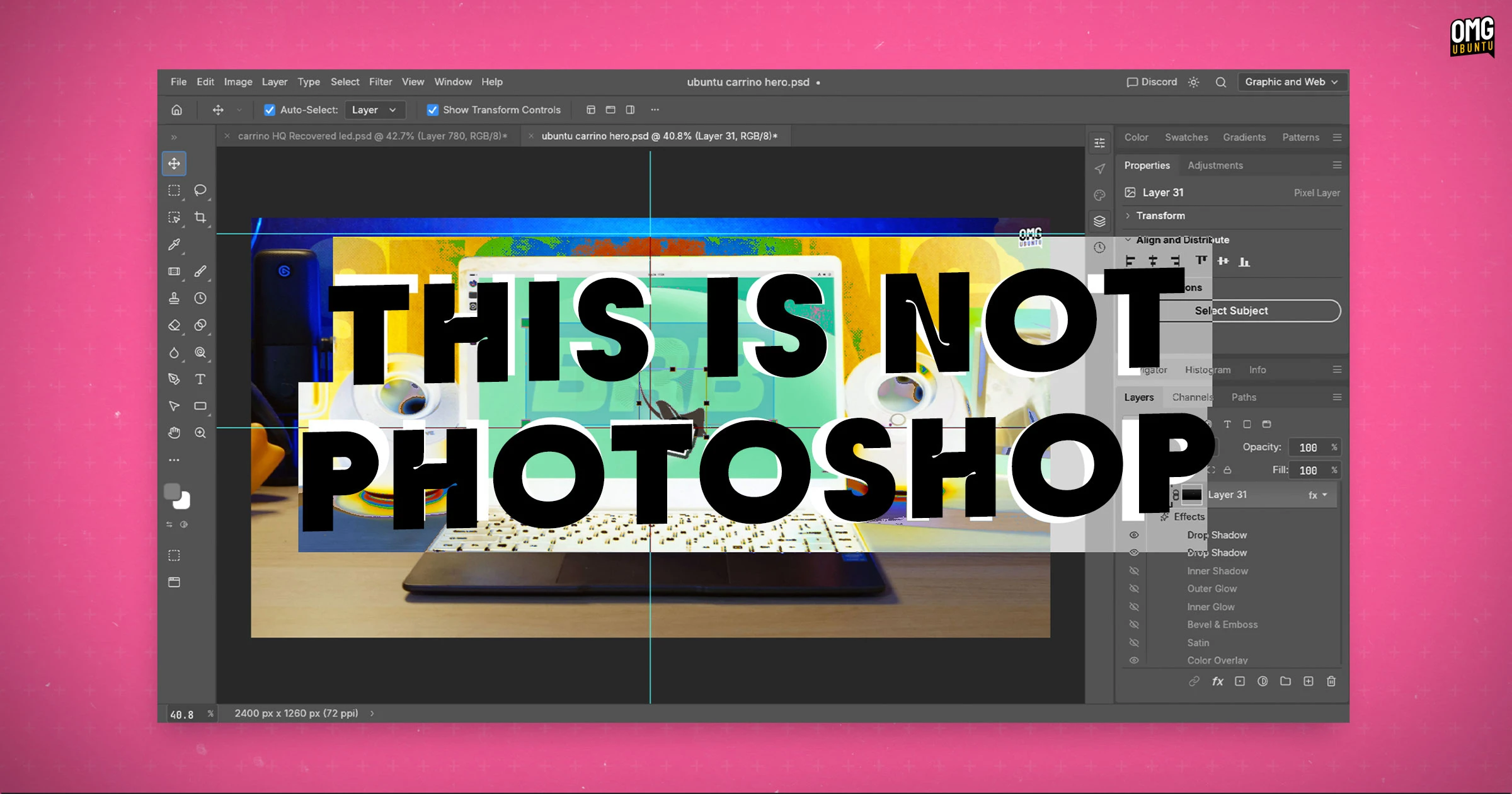
Introducing PhotoCraft: An Open-Source Alternative to Photoshop
In a notable development within the realm of creative software, PhotoCraft emerges as an open-source image editor intended to mimic the functionality of Adobe Photoshop. This project, led by Brandon Thomas, the former CEO of storyteller.ai, is part of the ArtCraft initiative aimed at producing various creative tools.
About PhotoCraft
PhotoCraft is crafted in Rust and designed to be a cross-platform solution for image editing. The project emphasizes its approach as a “clean-room reimplementation” of Photoshop, thereby avoiding potential copyright infringement associated with reverse engineering proprietary software. This initiative has garnered attention from the Free and Open-Source Software (FOSS) community.
Despite being in its alpha stage, PhotoCraft boasts a robust set of features, including:
- Layer management
- Masking capabilities
- Layer styles and smart objects
- A versatile brush engine
- Support for 34 tools and 27 blend modes
- Filters and compatibility with Adobe’s .psd file format
The application’s interface mimics that of Photoshop, aiming to provide a seamless transition for users familiar with Adobe’s environment.
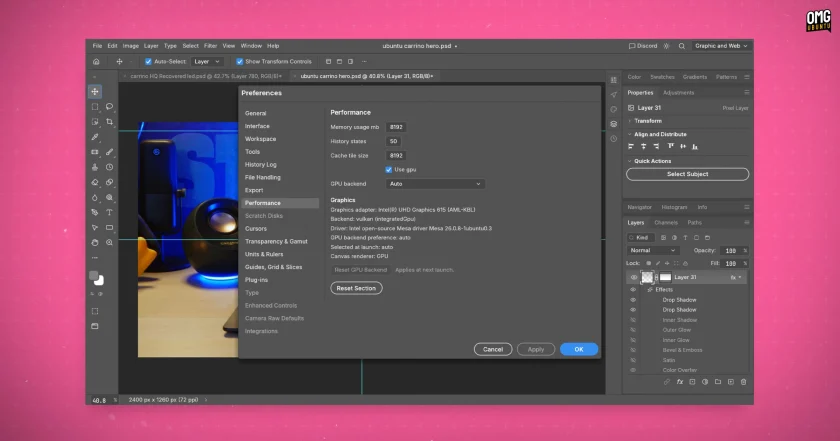
Performance and Compatibility
PhotoCraft utilizes GPU acceleration technology compatible with Vulkan on Linux, Metal on macOS, and DirectX 12 on Windows, or WebGPU for users opting to self-host via WebAssembly. Initial tests suggest the application launches swiftly and operates smoothly, even on lower-end devices.
Motivation Behind PhotoCraft
Thomas’s motivation to develop PhotoCraft stemmed from frustrations experienced while managing Adobe subscription fees and subscription cancellation processes. As a seasoned developer with a background in AI, he recognized the demand for an accessible alternative to Adobe’s offerings.
Limitations in Comparison to Adobe Photoshop
While PhotoCraft showcases impressive features and a user-friendly interface that resembles that of Photoshop, it does not entirely replicate the high standards of Adobe’s powerful software. Users may find that, despite the visual similarities, the software’s features do not provide the same results as Photoshop. This discrepancy is particularly noticeable for professional users who rely on Adobe’s finely-tuned algorithms for tasks like blending modes and content-aware editing.
Casual users might find PhotoCraft a suitable choice for basic photo editing without encountering significant differences. However, professionals may experience limitations in output quality and functionality, as new features are still being developed and refined.
Getting Started with PhotoCraft
PhotoCraft is available free of charge across multiple platforms, including Windows, macOS, and Linux. Users can download alpha builds from the project’s GitHub releases, where options include a DEB installer for Ubuntu and an AppImage format for universal compatibility.
Although the software’s base version is free, the ArtCraft project website also offers subscription tiers that grant users access to AI features within their broader creative suite, although current iterations of PhotoCraft do not include these options yet.
With rapid updates—evidenced by the release of version 0.3.0 shortly after version 0.1.0—PhotoCraft is attracting interest from users eager for a robust, free alternative to Adobe Photoshop. The project already boasts a growing following, evident in the 17,000 stars it has accumulated on its repository.
