


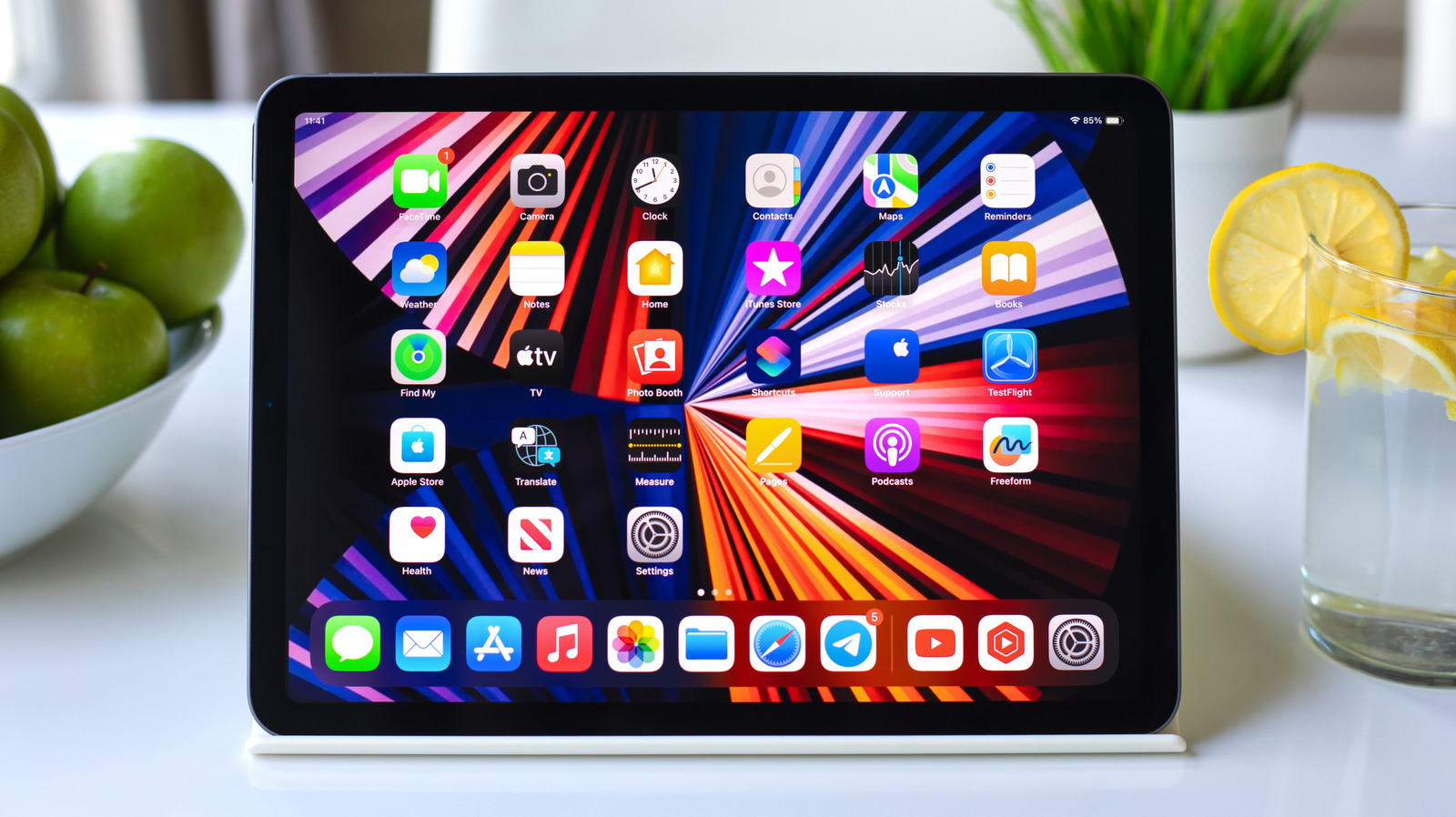
Discover Unique iPad Widgets You May Not Know About
While many iPad users are familiar with basic widgets like Weather and Calendar, there’s a wealth of additional options that can greatly enhance your device’s functionality. With the introduction of iPadOS 27, Apple has included extra-large widgets that leverage the capabilities of the iPad screen, allowing for even more creative and useful designs.
This article showcases some noteworthy widgets that can significantly improve how you interact with your iPad, from delivery tracking to smart home control, and more.
How to Access iPad Widgets
To explore the available widgets, simply press and hold any empty area on your iPad’s Home Screen. Select “Edit” and then tap “Add Widget.” Depending on the applications installed, you’ll find a variety of sizes and options to choose from. You can also convert app icons into widgets by touching and holding them, though this feature isn’t supported by all apps.
Top iPad Widgets to Enhance Your Experience
1. Parcel: Effortlessly Track Deliveries (Free | $6.99/year)
For users who frequently await packages, Parcel offers an intuitive widget that provides real-time updates on your deliveries. Supporting over 300 delivery services, it simplifies the tracking process, allowing you to scan barcodes or sync your Amazon account for automatic updates. The free version limits tracking to three deliveries, while a premium subscription elevates your experience with additional features.
2. Home: Simplified Smart Home Management (Built-in)
The Home widget offers quick access to smart home controls, enabling you to toggle lights or lock doors without launching the app. Customizable to display specific accessories and scenes, this interactive widget enhances your convenience at home.
3. (Not Boring) Weather: Gamified Weather Forecasts (Free | $14.99/year)
This innovative weather widget features a playful design reminiscent of video games, providing essential weather information using interactive visuals. Real-time alerts and detailed forecasts enhance functionality, although advanced features necessitate a membership.
4. Find My: Keep Track of Devices and Loved Ones (Built-in)
The Find My widget allows you to monitor the location of your Apple devices, AirTags, and trusted people at a glance. With options like alerts for devices left behind, this widget is a practical tool for managing your belongings.
5. Endel: Create AI-Driven Soundscapes (Free | $6.99/month)
Endel is designed to generate personalized soundscapes to aid concentration, relaxation, or sleep. Its widget provides immediate access to various modes, making it especially useful for enhancing productivity during work or study sessions.
6. Mail: Prioritize Important Emails (Built-in)
This widget can display messages from your VIP contacts or your unread emails, making it easier to manage essential communications at a glance. Setting VIPs is a quick process, ensuring no important emails get lost in your inbox.
7. Widgetsmith: Custom Widget Design (Free | $1.99/month)
If you prefer a tailored experience, Widgetsmith allows you to create customized widgets for various functions such as time, weather, or calendar events. You can adjust styles and set schedules to display different widgets at different times, offering a unique personal touch to your Home Screen.
8. Screen Time: Monitor Your Device Usage (Built-in)
The Screen Time widget provides insights into daily usage and helps establish healthy boundaries by allowing you to set app limits. This feature is particularly valuable for parents managing their children’s screen time.
9. Craft: Organizer for Notes and Tasks (Free | $9.99/month)
Craft enables efficient organization of notes and tasks, allowing you to pin documents or view recent items directly from the widget. The setup facilitates a streamlined workflow by enabling quick access to daily notes and tasks, particularly useful on the larger iPad screen.
10. Journal: Daily Writing Prompts (Built-in)
Apple’s Journal app offers a widget that encourages daily writing. Displaying prompts and tracking writing streaks, this tool fosters a journaling habit by providing easy access directly from the Home Screen.
Conclusion
These widgets represent just a sampling of the diverse options available for iPad users. By exploring these enhanced widgets, you can boost your productivity, stay organized, and engage more deeply with your device. Don’t settle for basic functionality—dive into the expansive world of iPad widgets to tailor your experience to your needs.
