


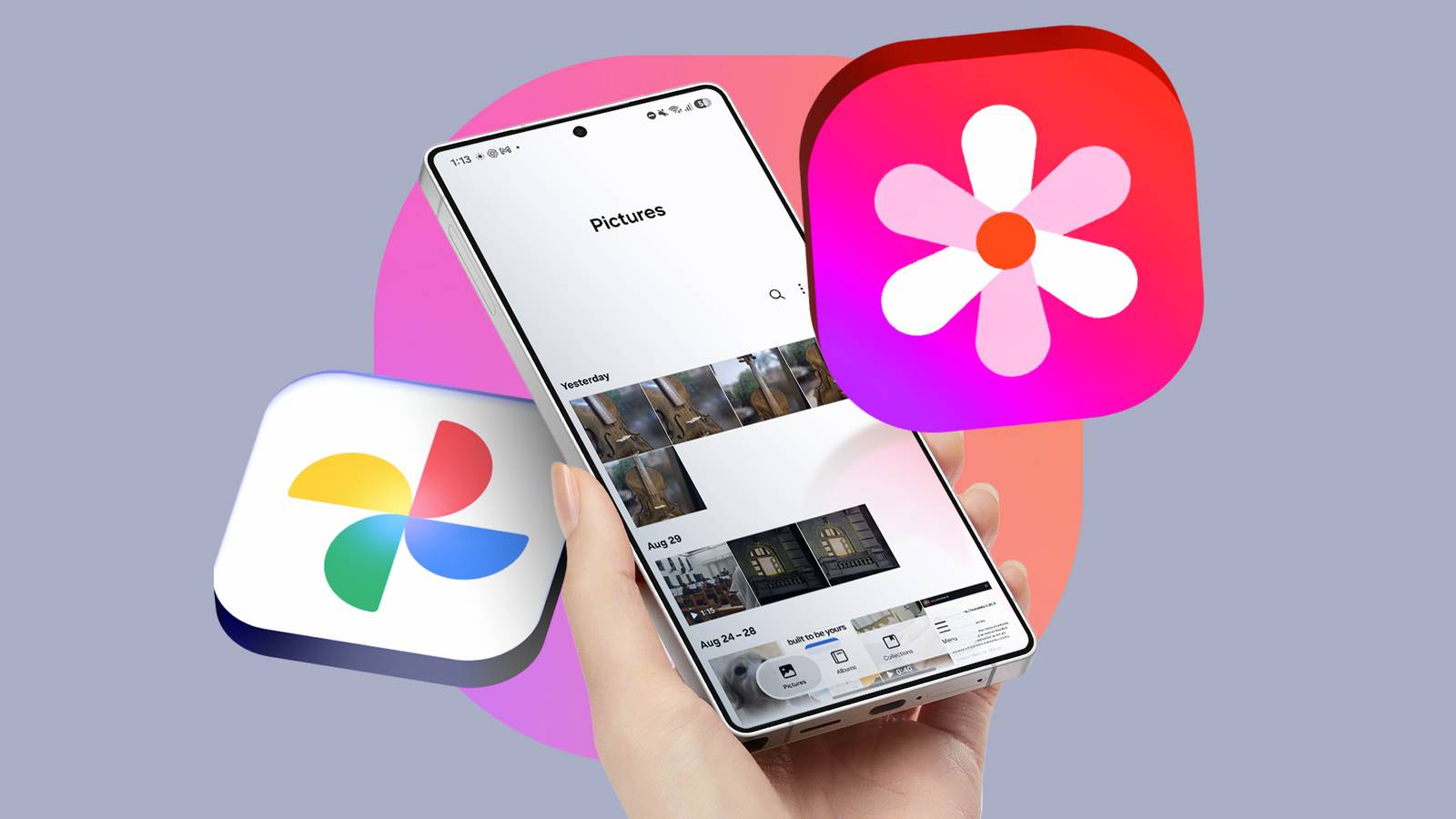
Exploring Samsung Gallery: The Shift to Google Storage
For users accustomed to the capabilities of Samsung Galaxy devices, the choice of photo management applications has traditionally included both Google Photos and Samsung Gallery. However, recent developments have made Samsung Gallery more appealing, particularly with its integration of Google One storage.
Challenges with Previous Cloud Backup Solutions
Historically, Samsung Gallery’s functionality was stifled by its reliance on OneDrive for cloud backup. This partnership limited its usability, especially for users already embedded in the Google ecosystem. With many users preferring Google’s cloud storage solutions, the previous configuration often pushed individuals towards Google Photos, despite the appeal of Samsung Gallery on mobile devices.
Transition to Google Storage
Recent changes in Samsung’s cloud strategies saw the termination of its long-standing partnership with OneDrive. The introduction of Google Storage as the default option significantly enhances the Samsung Gallery app’s utility. This transition allows users to link their Google accounts directly, providing a more familiar and intuitive interface for those accustomed to Google services.
Advantages of Integrating Google One
- Free Storage: Google One offers an attractive free tier of 15GB, surpassing OneDrive’s 5GB limit, which often requires additional purchases for expanded storage.
- Simplified Setup: Users can easily configure backup settings within the Gallery app, selecting the desired Google account for synchronization.
- Automatic Backup: Once set up, the app reliably backs up photos and videos, ensuring that important media is preserved without extra steps from the user.
Enhanced User Experience with Samsung Gallery
The introduction of direct Google cloud integration has made it possible for Galaxy users to forgo Google Photos while still maintaining seamless sync across devices. Users now enjoy a streamlined process for managing photos, eliminating redundant storage and simplifying organization.
Managing Local Storage
Another beneficial feature is the ability to free up local device storage. Users can delete media that has been safely backed up to the cloud, effectively managing storage issues on devices with limited capacity. This mirrors functionalities available in Google Photos, further easing the transition process for existing users.
Thumbnail Previews for Deleted Files
The presence of thumbnails for items stored in the cloud alleviates concerns regarding accessibility. While local copies can be deleted, users can still view their media through the Gallery app, providing peace of mind without occupying valuable device space.
Conclusion: A Compelling Case for Samsung Gallery
The recent shift toward Google storage within the Samsung Gallery app marks a substantial improvement for Galaxy device users, particularly those previously reliant on Google Photos. This integration provides an excellent opportunity to streamline photo management while enhancing storage capabilities. As Samsung continues to refine its offerings, the advantages of utilizing Samsung Gallery with Google storage will likely sway many users to reconsider their application preferences.
