


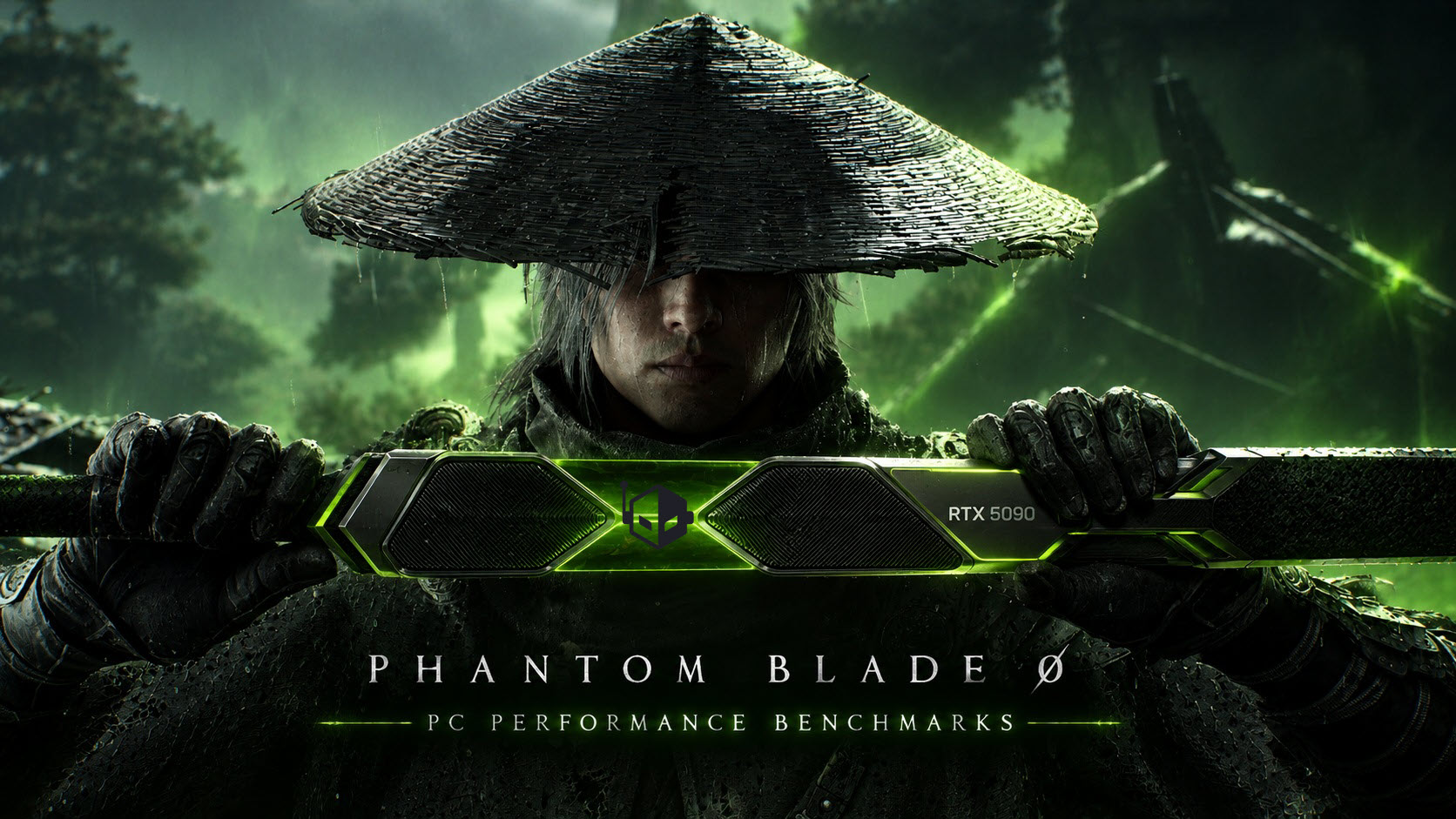
Phantom Blade Zero: A Cutting-Edge Action RPG Experience on PC
Now available on PC, Phantom Blade Zero boasts enhanced visual fidelity utilizing NVIDIA’s DLSS 4.5 technology, Path Tracing, and other advanced graphics features to elevate gameplay to new heights.
Immersive Combat and Visuals
Developed by a talented team of Chinese game creators, Phantom Blade Zero stands as a formidable contender in the AAA gaming landscape, competing with established franchises in the West. Following in the footsteps of titles like Black Myth: Wukong, which garnered significant acclaim, Phantom Blade Zero has also received positive reviews and buzz, positioning itself as a potential Game of the Year (GOTY) candidate.
This action RPG is marked by its brutal tone and combat-focused gameplay, enveloped within captivating environments and driven by a compelling soundtrack. Initial encounters set the stage for exhilarating battles, highlighting the engaging combat mechanics enhanced by an energetic metal soundtrack. While the game is not strictly a “souls-like” experience, players will need to hone their skills to conquer various boss fights. Even gamers less familiar with souls-like mechanics will find enjoyment in this title.
Technical Performance on PC
Phantom Blade Zero was developed using Unreal Engine 5 (version 5.7.4) and offers players extensive options to customize settings according to their hardware capabilities. Upon launching the game, players encounter a Shader Compilation screen that may take some time but is required only once.
In-Game Settings Overview
Upon accessing the “Display” menu, players can adjust settings such as:
- Image Calibration
- Display Mode (Windowed, Fullscreen)
- Resolution Settings
- Frame-Rate Limit
Additional visual options include V-Sync, HDR, Motion Blur, and more, allowing for further enhancements in visual quality.
Advanced Graphics Settings
The “Graphics” menu provides a recommended preset based on hardware configurations. It also includes options for Super Resolution methods such as:
- TSR
- NVIDIA DLSS
- AMD FSR
- Intel XeSS
Dynamic Resolution Quality is available but will be disabled with certain upscaling technologies active. The game supports Frame Generation across various brands, with NVIDIA’s capabilities reaching up to 6x.
Path Tracing technology enhances the graphical fidelity further, allowing users to toggle between Native Rendering and Ray Tracing options while benefiting from NVIDIA RTX GPUs’ Ray Reconstruction capabilities.
Performance Benchmarks and Hardware Requirements
Testing the game on an Intel Core i9-13900K with an MSI MEG Z790 ACE motherboard and 32 GB of DDR5-7600 memory shows varying performance levels depending on the quality preset chosen. Key observations include:
- Low settings yield basic visuals; Medium settings introduce better texture quality and some environmental details.
- High settings provide a significant visual upgrade, while Very High and Ultra settings continue to enhance the graphics quality at a cost to performance.
- Ray Tracing reduces performance by approximately 20-22% compared to the Ultra preset, while enabling Path Tracing can result in a 35-40% performance drop.
The game is graphically demanding, requiring powerful hardware to achieve optimal performance. At 4K resolution, only the most robust GPUs, such as the RTX 5090, are capable of sustaining 60 FPS. For 1440p, GPUs like the 5070 Ti and RX 9070 XT can maintain that frame rate, emphasizing the need for upscaling technologies on less powerful models.
User Impressions of Phantom Blade Zero
Phantom Blade Zero on PC showcases the potential of Unreal Engine 5, delivering stunning visuals alongside diverse tuning options. Testing suggests that maintaining high graphical settings without leveraging upscaling or Frame Generation may be challenging for many existing GPUs.
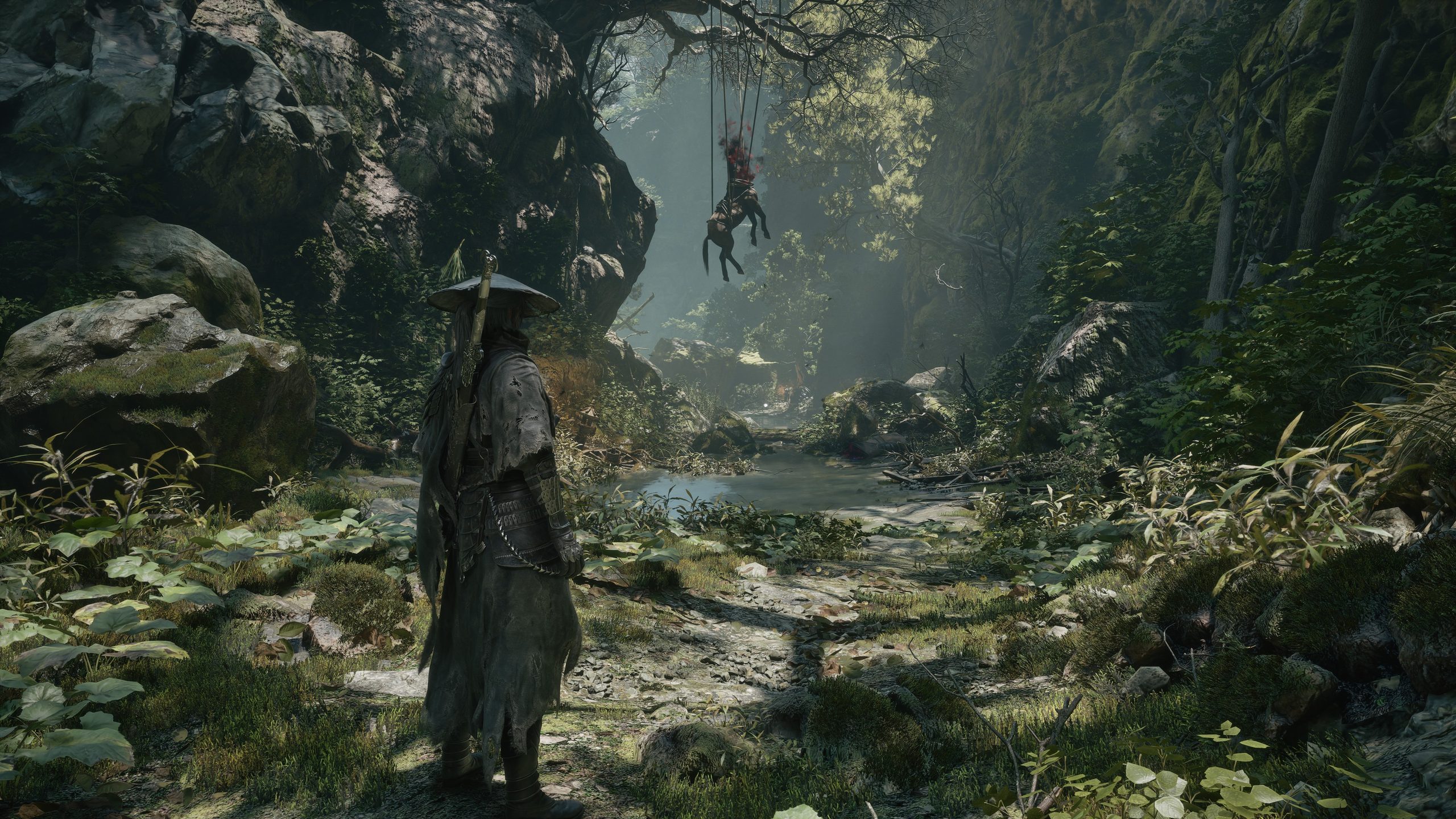
Overall, the title provides a rich, fast-paced experience complemented by stunning graphics, particularly when utilizing NVIDIA’s RTX technologies that enhance the game’s visual appeal.
